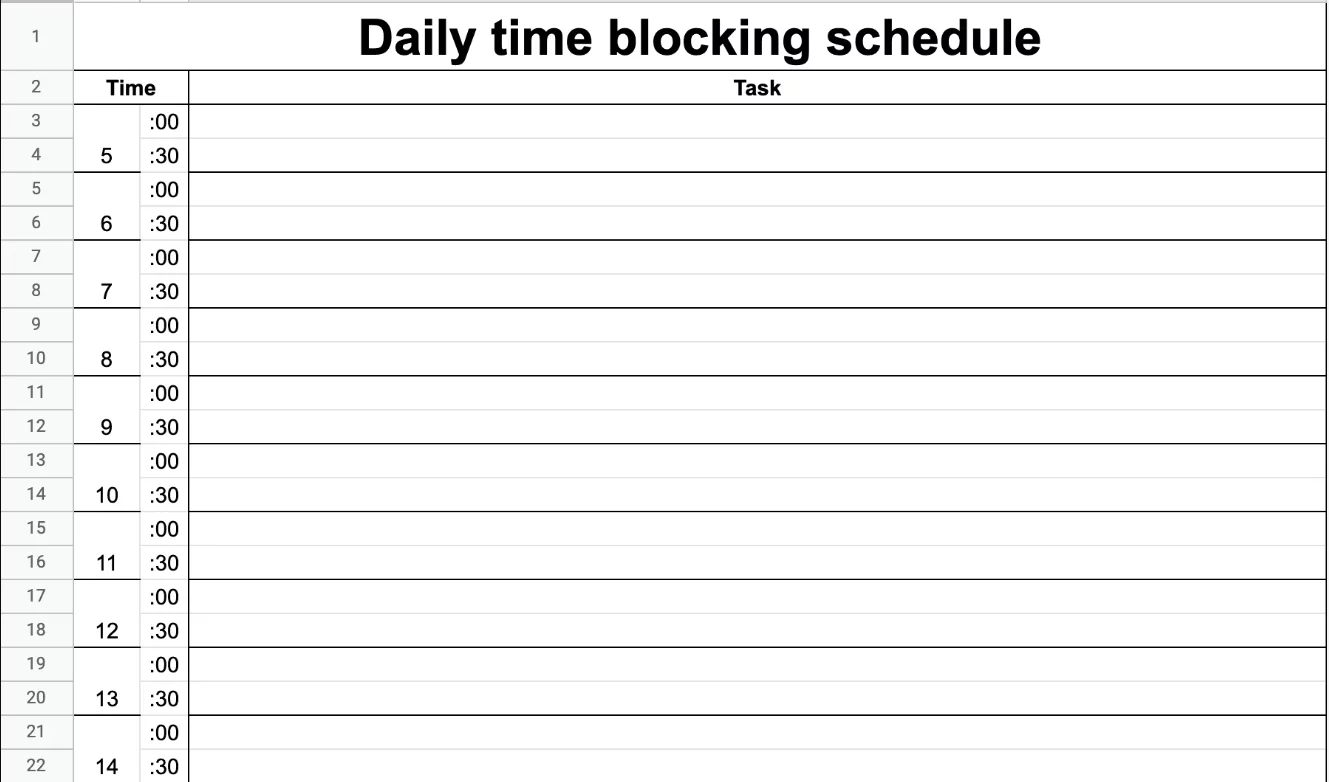
Managing your busy day effectively is a challenge many face, but the powerful technique of time blocking can transform your productivity and focus. Time blocking involves dividing your day into distinct, dedicated blocks reserved for specific tasks or activities, eliminating multitasking and promoting deeper concentration. This expert guide explores how to implement time blocking in your daily calendar, practical tips for success, and how this method optimizes workflow and reduces stress.

What is Time Blocking?
Time blocking is a scheduling method where you allocates set periods of time on your calendar to specific work items, errands, meetings, or even breaks. Unlike task lists or traditional calendar events, time blocks represent “focused hours” devoted exclusively to accomplishing particular goals or responsibilities during that time.
Why Use Time Blocking?
- Reduces distractions and multitasking by creating clear boundaries around activities.
- Helps manage workload realistically, preventing overcommitment.
- Increases awareness of how time is spent, highlighting areas for improvement.
- Improves focus and efficiency by batching similar tasks together.
- Promotes dedicated time for rest and mental recharge, reducing burnout.
How to Implement Time Blocking in Your Daily Calendar
- Identify priority tasks: Begin by listing the most important tasks you need to accomplish each day or week.
- Estimate time for each task: Allocate realistic time slots based on the task’s complexity and your past experience.
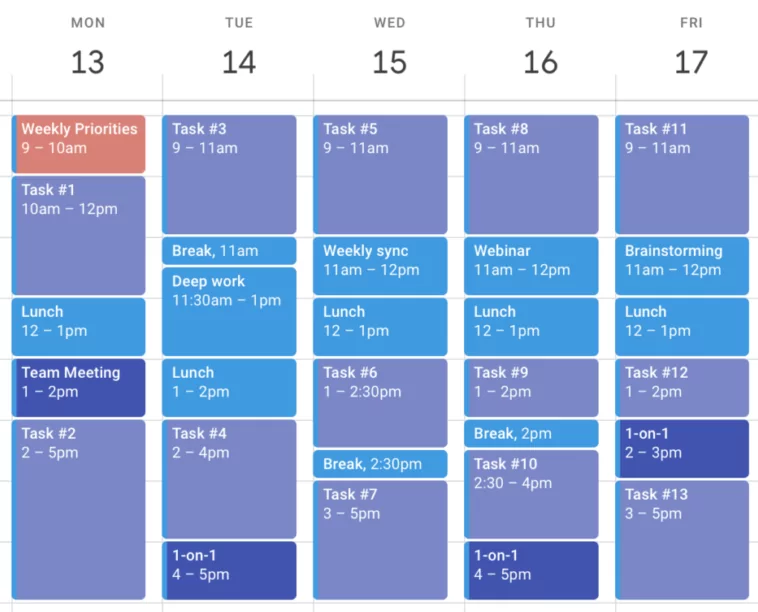
- Create blocks on your calendar: Open your calendar app (Google Calendar, Outlook, etc.) and add time blocks for each priority with clear labels.
- Combine similar tasks: Batch emails, calls, and administrative duties together to improve efficiency.
- Include buffer time: Allow 10-15 minute gaps between blocks for transitioning or unexpected delays.
- Schedule breaks and personal time: Protect wellbeing by blocking time for short breaks, meals, and exercise.
- Review and adjust: At day’s end, reflect on your time block adherence and modify the next day’s blocks accordingly.
Tips for Maximizing Time Blocking Success
- Start your day by reviewing blocks: Mentally prepare and commit to your schedule to minimize task-switching.
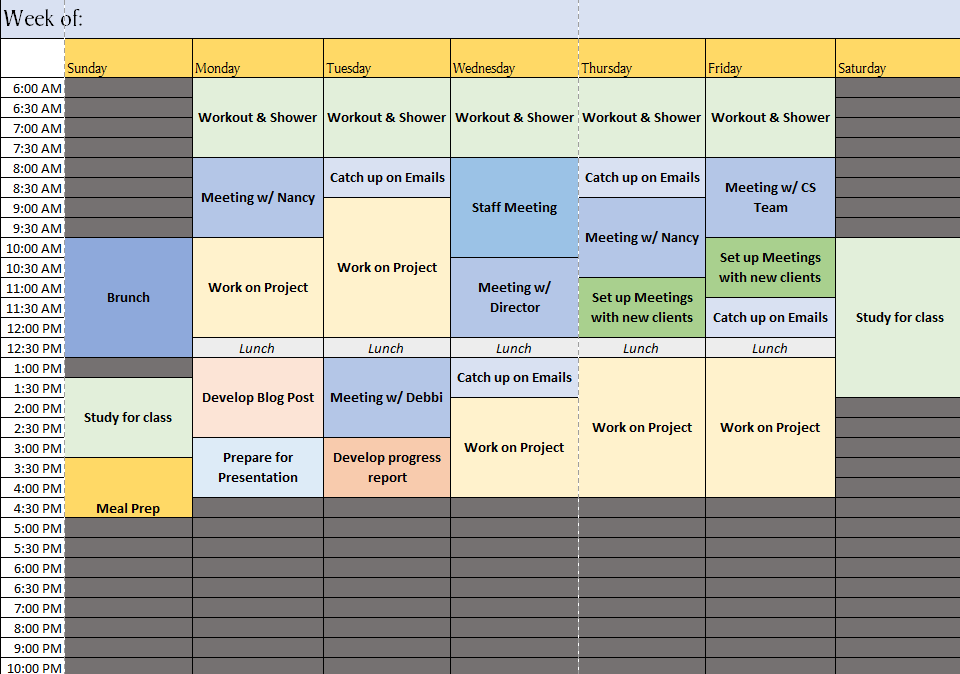
- Use color coding: Assign colors for different categories—deep work, meetings, breaks—to visually organize your blocks.
- Set calendar status to ‘busy’: Avoid interruptions by signaling availability status when working in focus blocks.
- Turn off non-urgent notifications: Silence distracting alerts during critical work blocks.
- Be flexible: Life happens; allow some adaptability but keep to planned blocks as much as possible.
- Leverage technology: Use apps with drag-and-drop calendar editing and reminder features to easily manage your blocks.
- Communicate your schedule: Let colleagues or family know your focused hours to minimize disruptions.
Common Challenges and Solutions
- Underestimating task time: Solution: Track actual time spent initially and use data to adjust future blocks.
- Interruptions and emergencies: Solution: Have contingency blocks or flexible buffer periods for unexpected disruptions.
- Feeling “boxed in”: Solution: Allow mental breaks and variety in task types to maintain motivation.
- Procrastination at block start: Solution: Use techniques like the Pomodoro timer or quick energizers before starting focus blocks.
Best Tools to Support Time Blocking
- Google Calendar: Simple interface; supports dragging and resizing events; color coding.
- Microsoft Outlook: Enterprise-grade calendar with task integration and suggestions.
- Trello with calendar power-up: Visual boards with calendar views for project-based time blocking.
- Notion: Combined calendar and database tool; excellent for personalizing blocks around projects.
- Clockwise: AI-powered calendar assistant that automatically reorganizes your schedule for optimal focus blocks.
Integrating Time Blocking With Other Productivity Techniques
- Pair with Pomodoro Technique: Divide time blocks into focused work intervals with short breaks.
- Use the Eisenhower Matrix: Prioritize tasks before blocking to focus on what matters most.
- Combine with daily/weekly goal setting: Align blocks to objectives for cohesive productivity.
- Batch similar tasks: Time block similar or repetitive tasks together to reduce mental switching costs.
Conclusion: Make Time Blocking Your Productivity Ally
Time blocking turns your daily calendar into a structured productivity plan, empowering you to focus deeply, reduce overwhelm, and achieve more with less stress. By dedicating specific slots for tasks, integrating ample breaks, and utilizing calendar tools effectively, you create a rhythm that sustains motivation and work-life balance. Start small, adapt dynamically, and watch how consistent time blocking transforms your workdays into focused, fulfilling achievements.