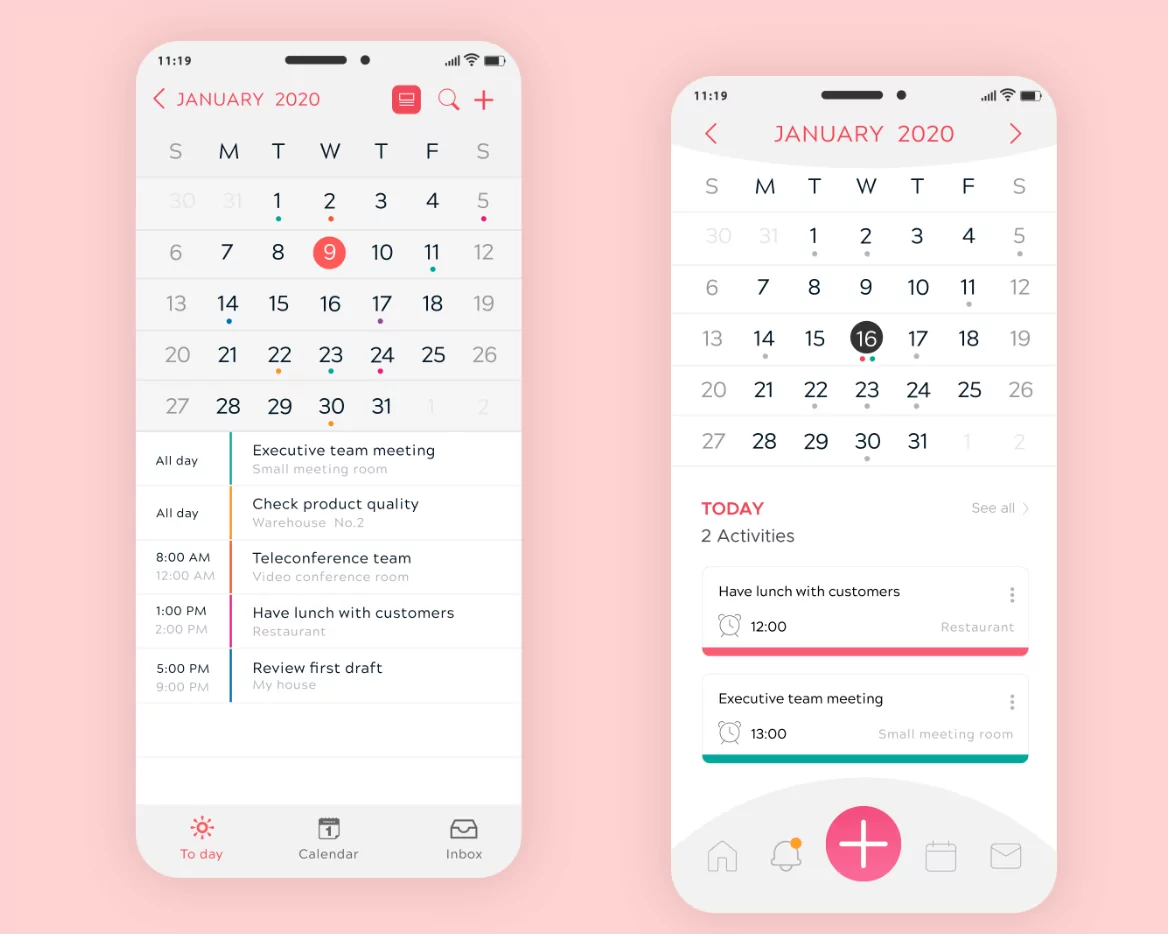
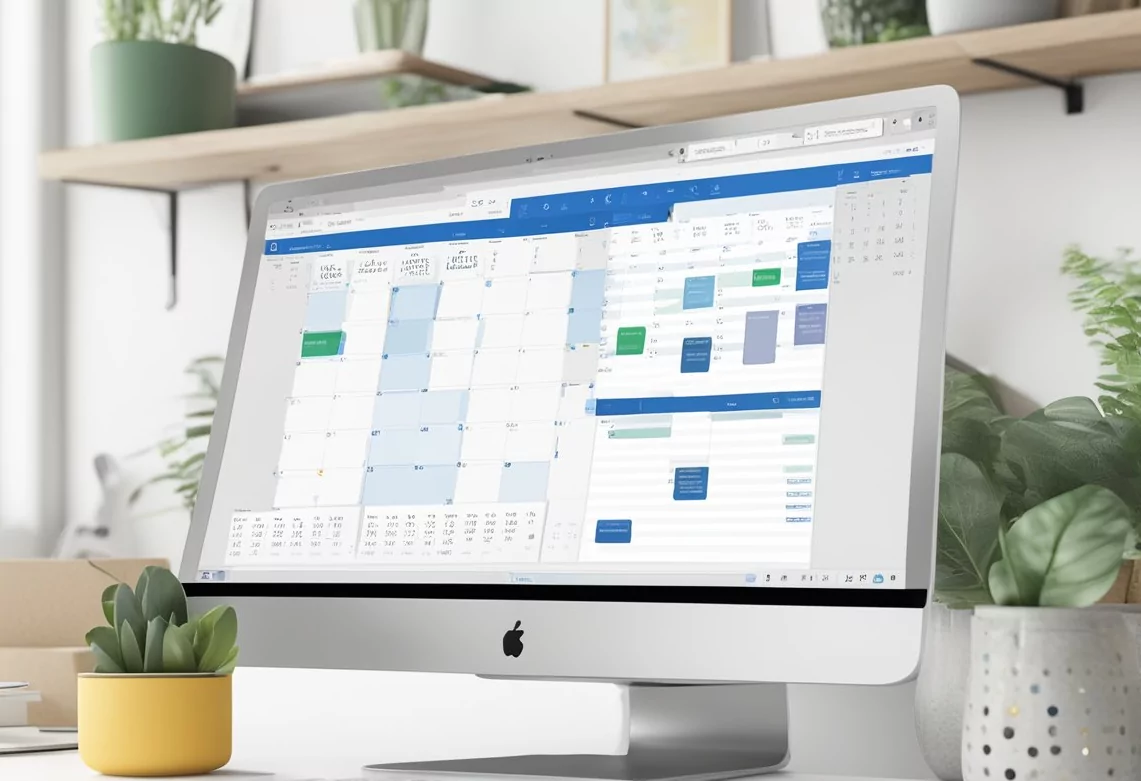
In 2025, productivity hinges on effective time management, and the best digital calendar apps have become indispensable tools for professionals, teams, and individuals seeking to optimize their schedules. Modern calendars do more than just display dates—they integrate with workflows, synchronize across devices, send intelligent reminders, and foster collaboration. This comprehensive guide highlights top-rated digital calendar apps for productivity in 2025, key features to look for, and expert tips to maximize your scheduling efficiency.
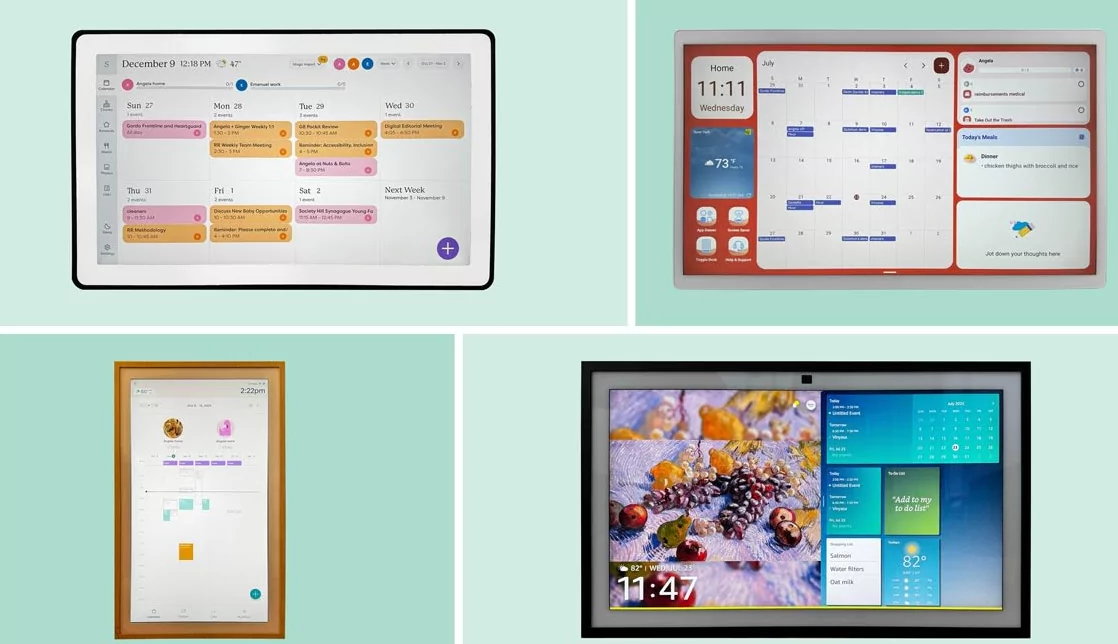
Why Use a Digital Calendar for Productivity?
- Real-time scheduling: Instantly update and sync events across all your devices.
- Collaborative planning: Share calendars easily with colleagues, friends, or family to coordinate activities and meetings.
- Automated reminders: Receive timely alerts to reduce missed appointments and manage deadlines.
- Integration capabilities: Connect calendars with emails, task managers, video conferencing, and more for a unified workflow.
- Smart scheduling: Use AI-powered features to suggest optimal meeting times and avoid conflicts.

Top Digital Calendar Apps for 2025
1. Google Calendar
Google Calendar remains the most popular free calendar tool, offering ease of use, seamless syncing across platforms, and powerful sharing options. It integrates fluidly with Gmail, Google Meet, and countless third-party apps via Zapier, enabling sophisticated automation and advanced scheduling workflows.
- Platform availability: Web, Android, iOS
- Key features: Multiple calendar support, event invitations, time zone management, color-coded events, and smart suggestions.
- Ideal for: Individuals and teams looking for a flexible, free, and powerful calendar.
2. Microsoft Outlook Calendar
Ideal for Microsoft 365 users, Outlook Calendar combines emails, contacts, and calendar in one productivity suite. It excels in enterprise collaboration, supporting shared calendars, scheduling assistant, and integration with Teams for video meetings.
- Platform availability: Windows, Mac, Web, Android, iOS
- Key features: Advanced scheduling assistant, meeting room booking, email integration, task sync.
- Ideal for: Business professionals and enterprise teams using Microsoft products.
3. Apple Calendar
With deep integration into the Apple ecosystem, Apple Calendar offers a clean interface, iCloud syncing, and intuitive natural language event creation. Perfect for users who rely heavily on iPhones, iPads, or Macs.
- Platform availability: macOS, iOS, iPadOS, Web (via iCloud)
- Key features: Siri integration, shared calendars, travel time alerts, casual event scheduling.
- Ideal for: Apple users seeking a simple, elegant calendar experience.
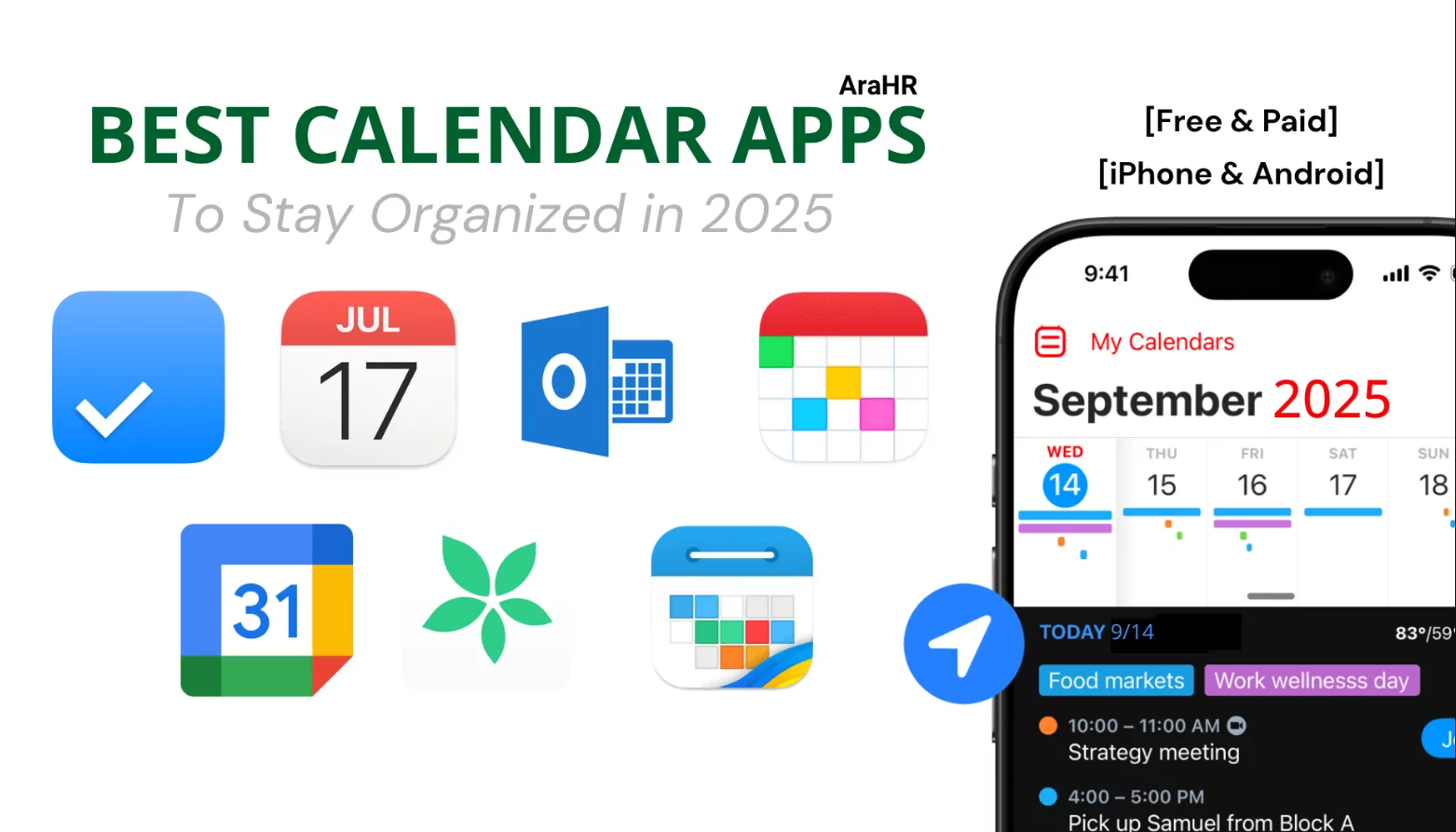
4. Fantastical
Fantastical is praised for its superb design and rich feature set, including natural language input, intuitive UI, and multi-platform support. It supports powerful scheduling tools with time zone handling and integrates well with conferencing apps.
- Platform availability: macOS, iOS, Windows
- Key features: Natural language parsing, multiple calendar views, meeting proposals, shared calendars.
- Ideal for: Users willing to invest in a premium calendar for best user experience.
5. Calendar.com
Calendar.com offers a modern interface with scheduling, analytics, and team coordination features. Its integration with Zoom and Slack makes it ideal for remote work and managing distributed teams.
- Platform availability: Web, Android, iOS
- Key features: Real-time availability, analytics dashboard, integrated meeting tools.
- Ideal for: Workplaces focused on analytics-driven productivity and integrated team communications.
Key Features to Look for in a Productivity Calendar App
- Multi-device sync: Access and update your calendar from any device.
- Sharing and collaboration: Easily share calendars and schedule group meetings.
- Automated reminders: Custom notification preferences to avoid missed tasks.
- Integration with other tools: Email, CRM, project management, video conferencing, and automation platforms.
- Smart scheduling & AI: Use suggestions and conflict detection for efficient time blocking.
- Multiple views & customization: Options for daily, weekly, monthly views and color coding.
- Offline functionality: Work uninterrupted even when offline and sync once back online.
Expert Tips to Maximize Calendar Productivity
- Use color coding to categorize personal, professional, and urgent tasks.
- Block focus time regularly to avoid calendar overload and multitasking stress.
- Set reminders 15 minutes and 1 day before important events to stay prepared.
- Integrate calendars with task management apps to combine deadlines and events.
- Review and adjust your calendar weekly to accommodate changes and reprioritize.
Conclusion: Choose the Right Digital Calendar for Your Needs
Choosing the best digital calendar app for productivity in 2025 depends on your ecosystem, collaboration needs, and preferred features. Whether you prefer the ubiquitous Google Calendar, Microsoft Outlook’s enterprise strength, Apple Calendar’s intuitive style, or the premium experience of Fantastical, there is a powerful tool to streamline your scheduling. Coupled with expert habits and integrations, the right calendar app will keep you organized, punctual, and focused all year long.