Staying productive in today’s fast-moving world isn’t just about working harder—it’s about working smarter. One of the simplest ways to boost efficiency is by using the right Digital Calendar Apps for Productivity. In 2026, these tools have become more powerful than ever, helping individuals and teams manage time, reduce stress, and stay on track.
Whether you’re a professional juggling meetings, a student managing deadlines, or an entrepreneur building a business, the right digital calendar can completely transform how you organize your day.

Why Digital Calendar Apps Matter in 2026
Gone are the days when calendars were just for tracking dates. Today’s Digital Calendar Apps for Productivity offer smart features like automation, integrations, reminders, and AI-powered scheduling.
They don’t just store your schedule—they actively help you optimize it.
Key Benefits
- Real-time syncing across devices
- Automated reminders and notifications
- Easy collaboration with teams
- Integration with email, tasks, and apps
- Time-blocking for better focus
Top Digital Calendar Apps for Productivity in 2026
1. Google Calendar
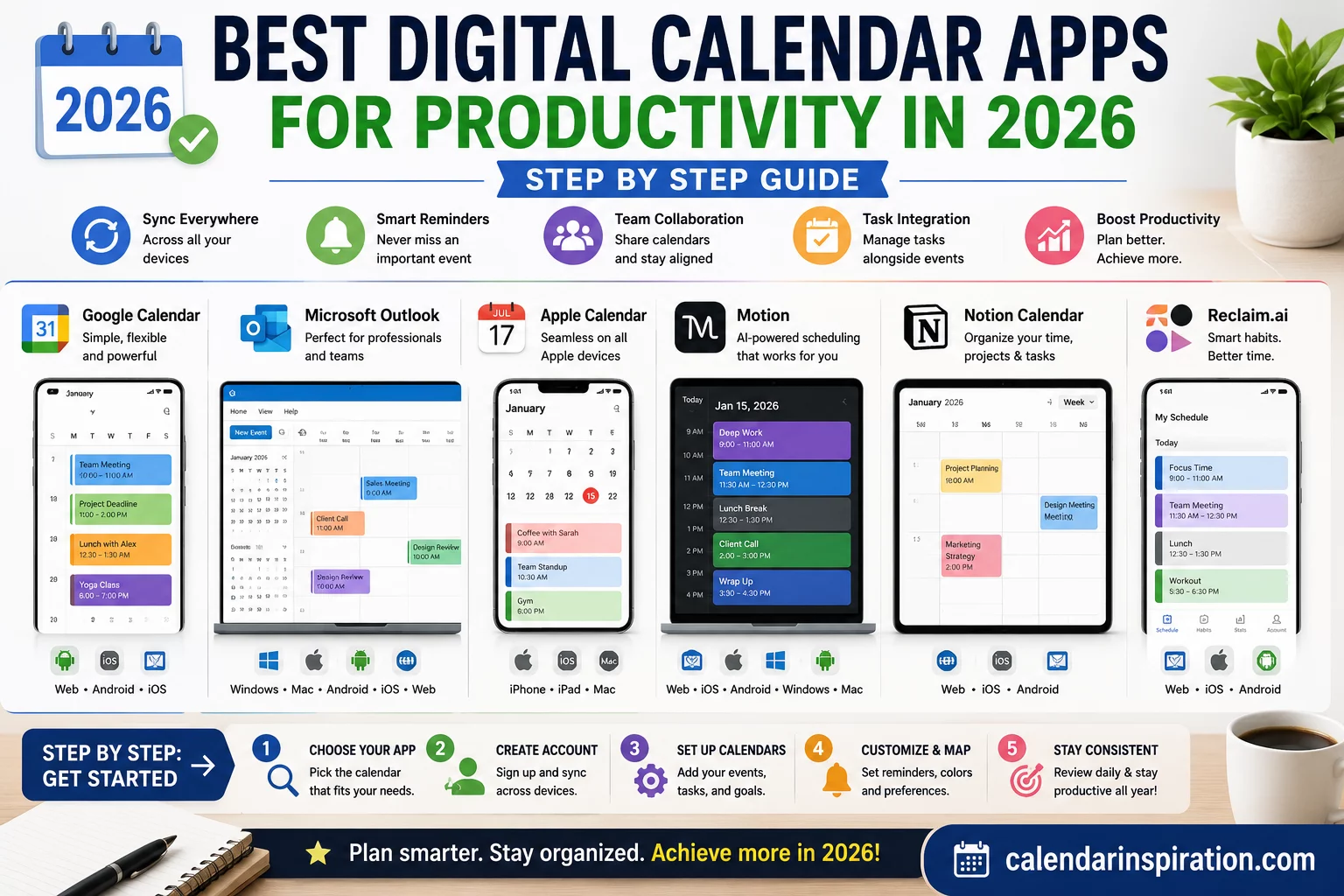
Google Calendar remains one of the most popular choices for a reason. It’s simple, reliable, and integrates seamlessly with other Google services.
You can schedule meetings, share calendars, set reminders, and even create goals that automatically find time in your schedule.
2. Microsoft Outlook Calendar
If you’re already using Microsoft tools, Outlook Calendar is a powerful option. It combines email and scheduling in one place, making it ideal for professionals.
Its advanced features include meeting suggestions, availability tracking, and enterprise-level integrations.
3. Apple Calendar
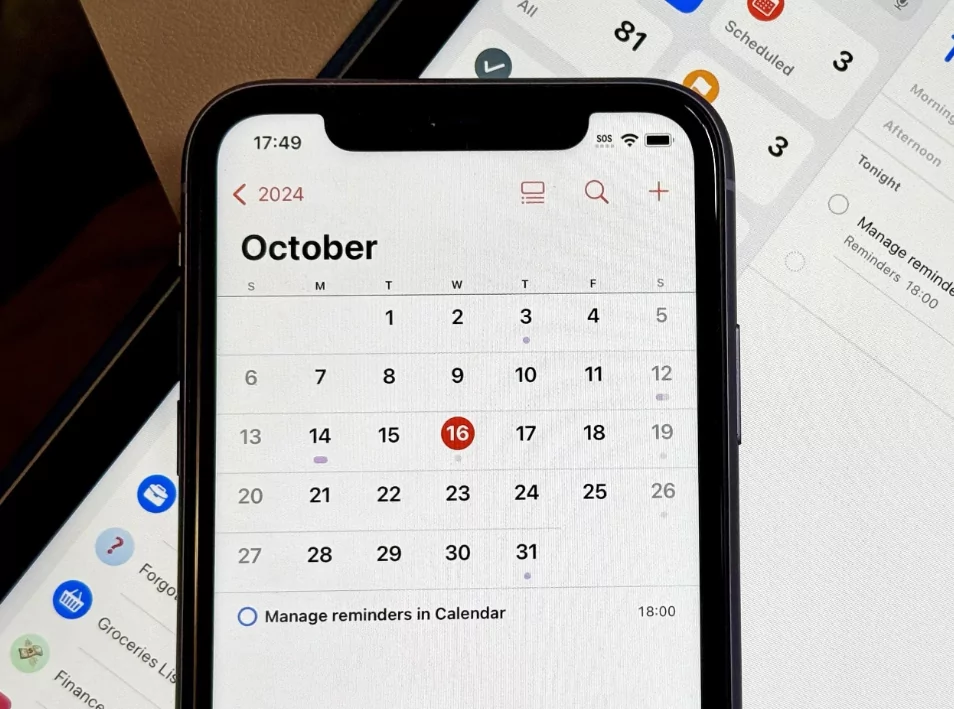
Apple Calendar is perfect for users within the Apple ecosystem. It offers a clean interface and smooth synchronization across iPhone, iPad, and Mac devices.
It’s simple yet effective for managing daily schedules and events.
4. Notion Calendar
Notion Calendar is gaining popularity for its flexibility. It combines calendar functionality with project management, allowing users to plan tasks and timelines in one place.
This is especially useful for creators, freelancers, and teams managing multiple projects.
5. Fantastical
Fantastical stands out with its natural language input. You can type something like “Meeting with team at 10 AM tomorrow,” and it will automatically create the event.
It’s a great option for users who value speed and ease of use.
Features to Look for in a Digital Calendar App
1. Smart Scheduling
Look for apps that suggest meeting times based on availability. This saves time and reduces back-and-forth communication.
2. Cross-Platform Sync
Your calendar should work seamlessly across all your devices—phone, tablet, and desktop.
3. Integration with Other Tools
The best Digital Calendar Apps for Productivity connect with tools like email, task managers, and communication apps.
4. Custom Reminders
Flexible reminders ensure you never miss important events or deadlines.
5. Time Blocking Support
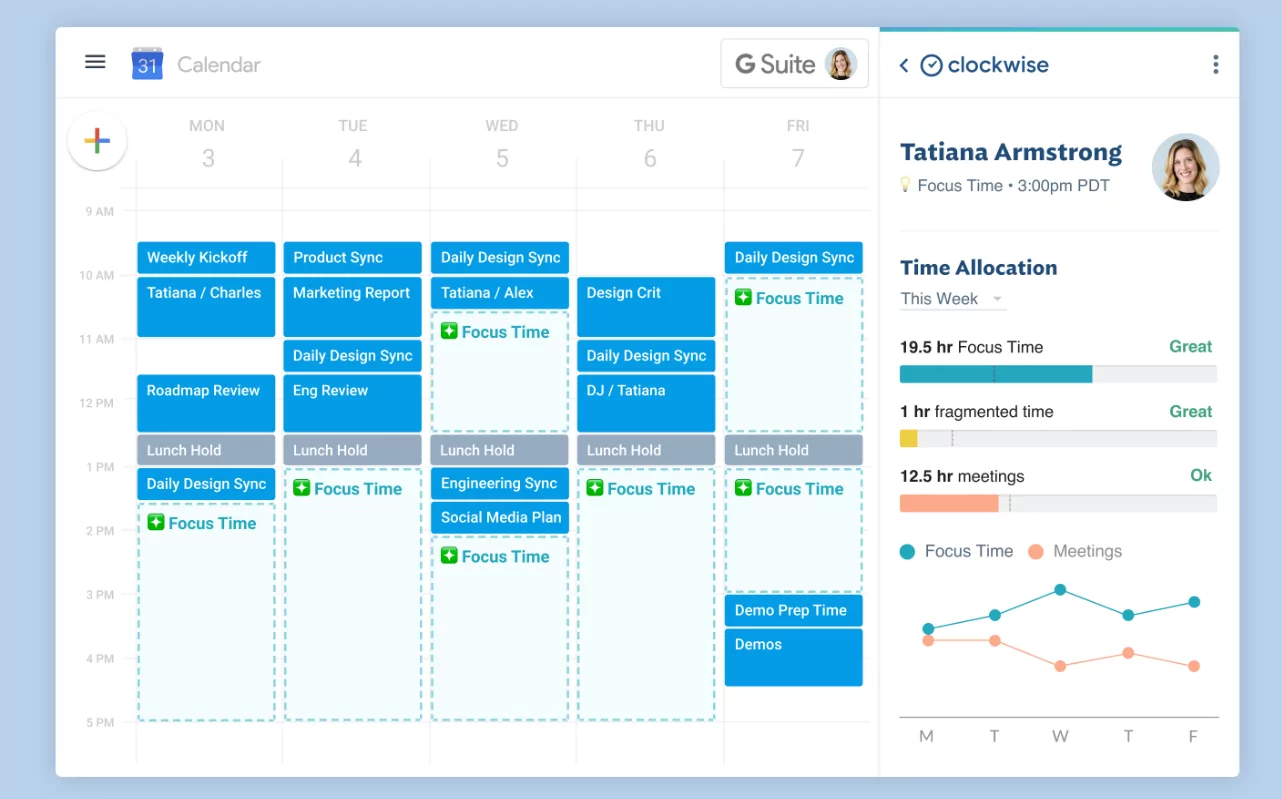
Time blocking helps you dedicate specific hours to focused work, improving productivity and reducing distractions.
How to Use Digital Calendar Apps More Effectively
Plan Your Day the Night Before
Take a few minutes each evening to review and organize your next day. This helps you start with clarity and focus.
Use Time Blocking
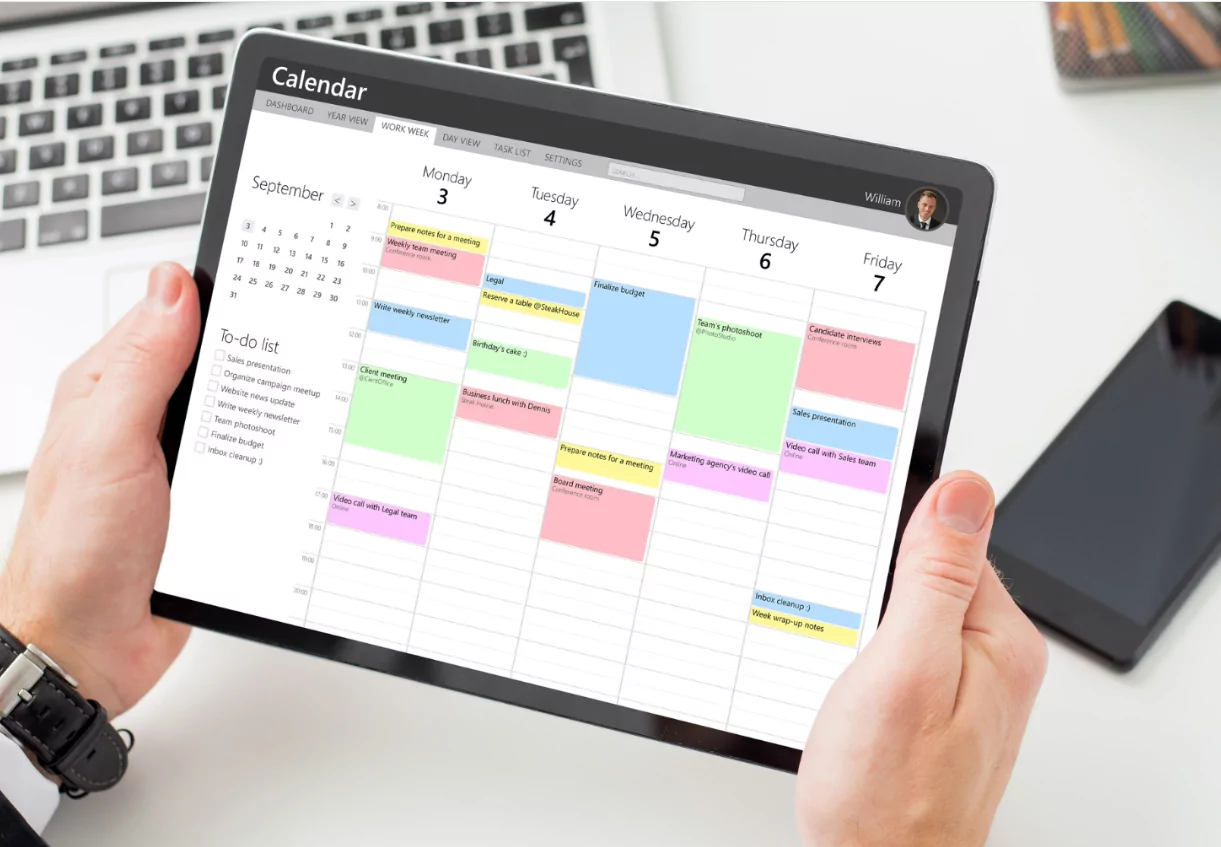
Assign specific time slots for tasks, meetings, and breaks. This keeps your day structured and productive.
Set Realistic Schedules
Avoid overloading your calendar. Leave buffer time between tasks to handle unexpected changes.
Prioritize Important Tasks
Not all tasks are equal. Highlight high-priority items so they stand out in your schedule.
Review Weekly
Take time each week to evaluate what worked and what didn’t. Adjust your schedule for better results.
Common Mistakes to Avoid
- Over-scheduling without breaks
- Ignoring reminders and notifications
- Not syncing across devices
- Using multiple calendars without integration
- Failing to review and update regularly
Your calendar should simplify your life—not create more confusion.
Digital vs Traditional Calendars
While traditional paper calendars still have their place, digital tools offer far more flexibility and functionality.
With Digital Calendar Apps for Productivity, you can update plans instantly, collaborate with others, and access your schedule from anywhere.
That said, some people still prefer combining both for maximum effectiveness.
Final Thoughts
Choosing the right Digital Calendar Apps for Productivity can have a huge impact on how you manage your time in 2026. The best app isn’t necessarily the one with the most features—it’s the one that fits your workflow and helps you stay consistent.
Start simple, build good habits, and gradually optimize your system. With the right approach, your calendar can become one of your most powerful productivity tools.
In a world full of distractions, having a clear and organized schedule isn’t just helpful—it’s essential.