In today’s fast-paced world, efficient time management has become a necessity. With countless meetings, deadlines, and personal events to juggle, digital calendar apps are indispensable tools for maintaining productivity. By 2025, these apps have evolved far beyond simple date reminders, becoming intelligent personal assistants thanks to the integration of Artificial Intelligence (AI) and advanced collaboration features.
Choosing the right calendar app can significantly simplify your daily life. The best applications not only schedule events but also help manage tasks, automate reminders, and sync seamlessly across all your devices.
Key Features to Look for in 2025 Calendar Apps
Before you commit to an app, consider these essential features that will boost your productivity:
- User-Friendly Interface: A clean layout and easy navigation are crucial for a positive user experience.
- Cross-Platform Synchronization: The ability to access and update your schedule from your phone, tablet, and desktop is non-negotiable.
- Task Management Integration: Combining your events with a to-do list helps you track all commitments in one central location.
- AI-Powered Smart Scheduling: AI-driven apps can analyze your habits and suggest the best times for meetings or focused work.
- Customizable Views: Options to view your schedule in daily, weekly, or monthly formats allow for flexible planning.
- Collaboration Features: The ability to share calendars with your team or family makes coordination effortless.
The Best Calendar Apps for 2025
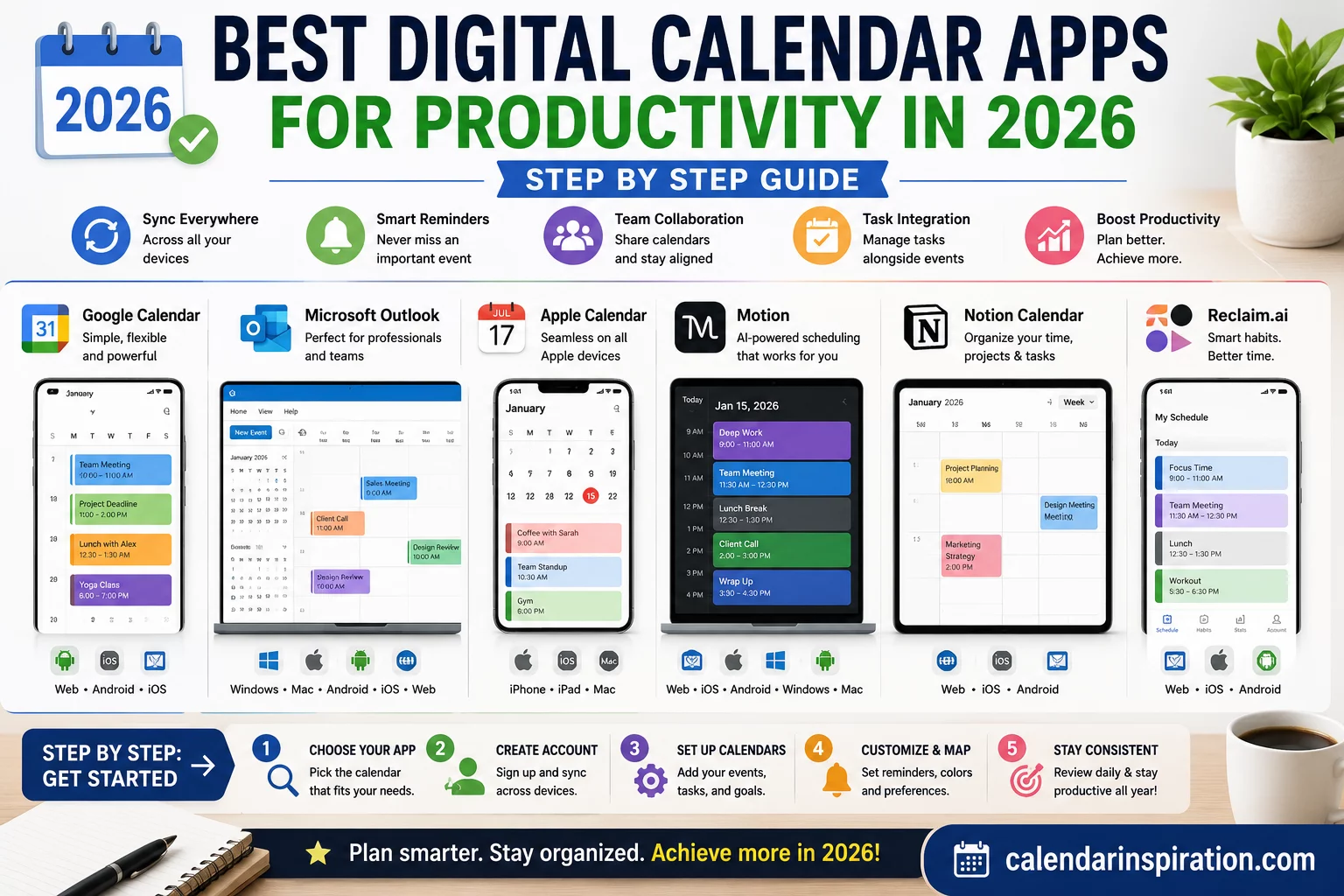
Here are some of the top calendar apps in 2025, tailored to various user needs, from personal organization to complex team management.
For All-Around Use & The Google Ecosystem
Google Calendar
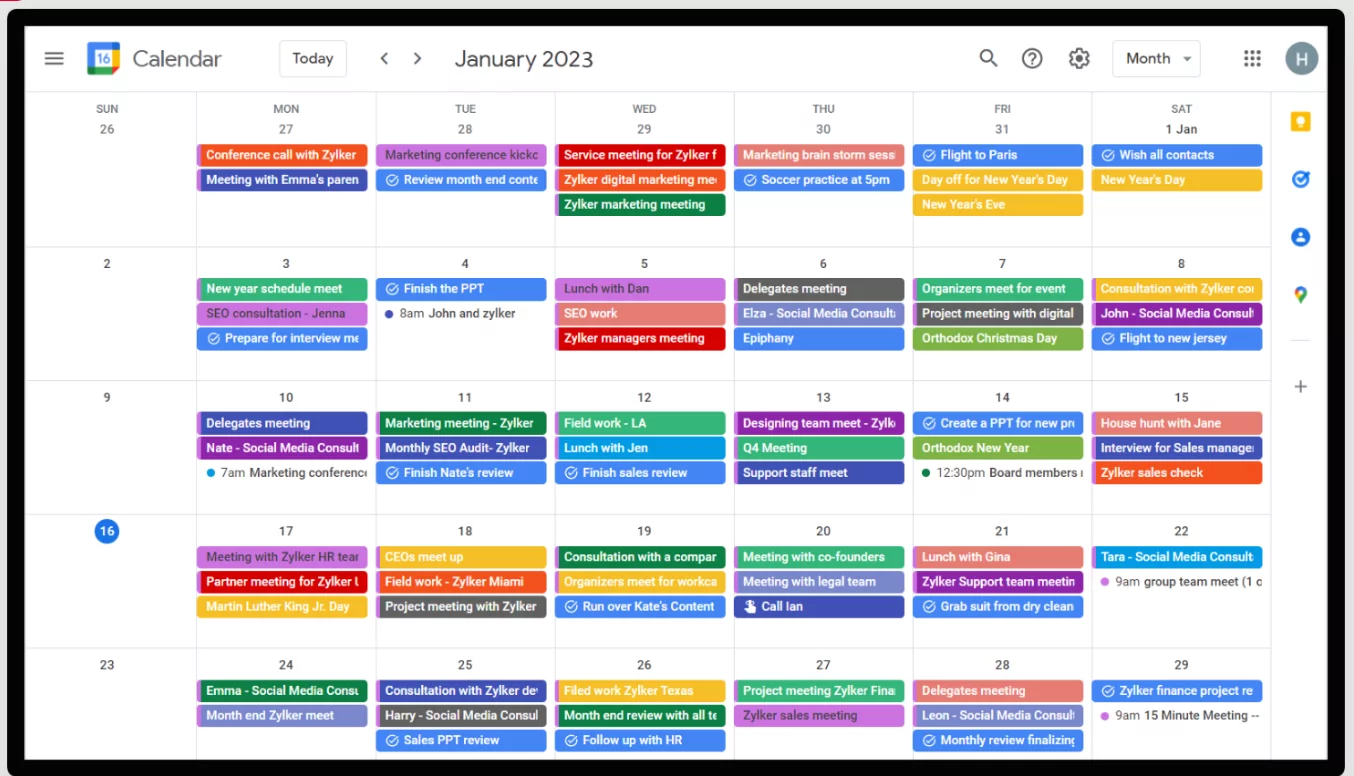
A perennial favorite, Google Calendar remains a top choice for its simplicity, accessibility, and the fact that it’s free. It integrates seamlessly with Gmail, making it easy to schedule events and reminders directly from your inbox. While it has limited task management features, it is incredibly reliable for basic scheduling and is now enhanced with AI features from Gemini to streamline event creation.
Apple Calendar
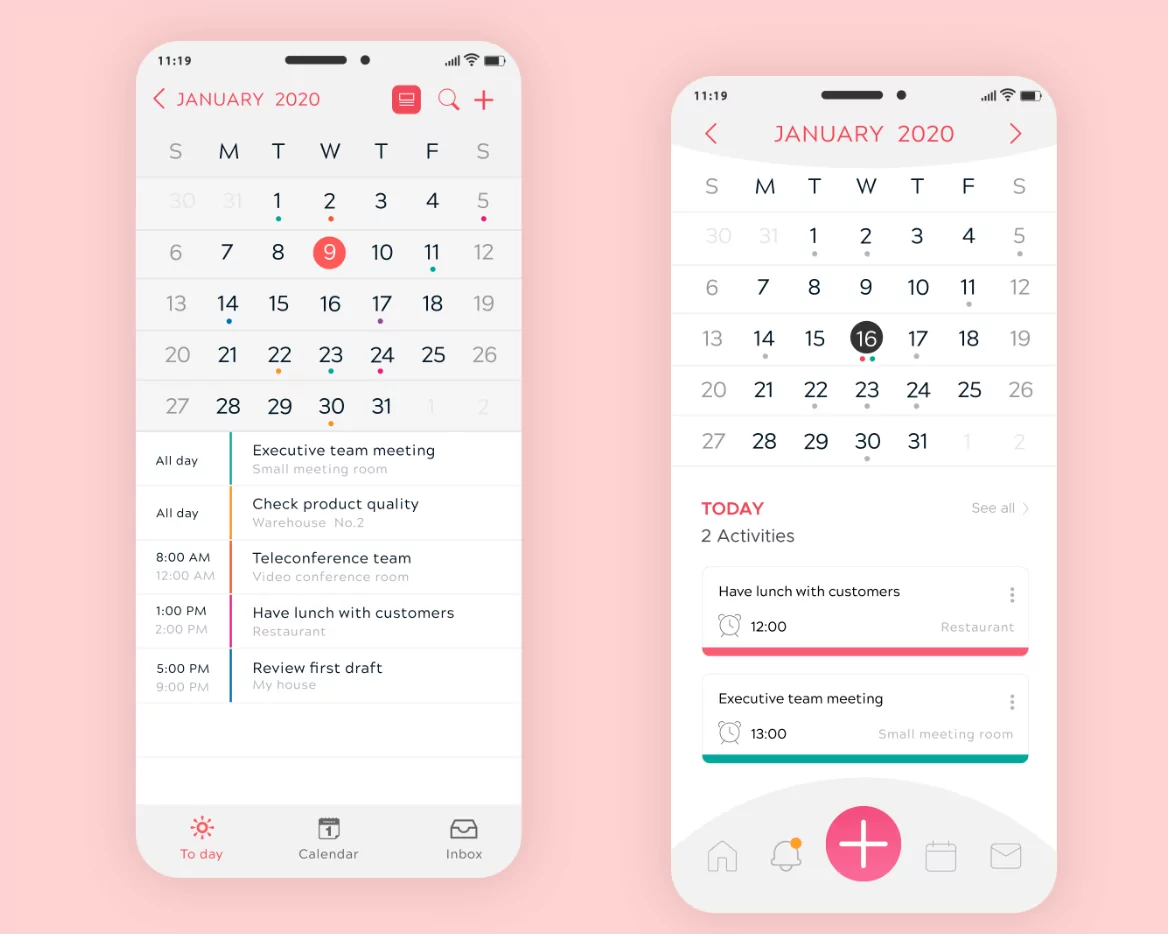
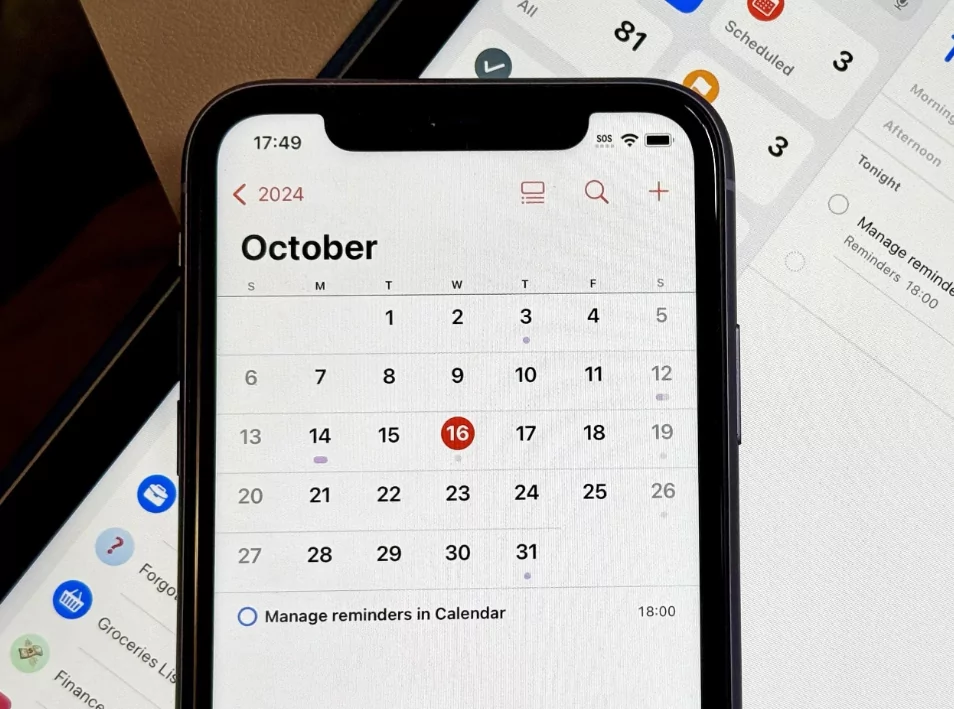
For those embedded in the Apple ecosystem, Apple Calendar is a fantastic, built-in option. It boasts a clean, simple interface and syncs flawlessly across Mac, iPhone, iPad, and Apple Watch via iCloud. Its natural language input allows you to add events quickly, and it integrates deeply with Siri and the Reminders app, making it a powerful default choice for Apple users.
For Project Management and Team Collaboration
Nifty
Nifty excels as a calendar app for users who need to manage projects and schedules simultaneously. This platform allows you to track team tasks, project milestones, and workloads in daily, weekly, or monthly views. Its standout feature is its two-way sync with both Google Calendar and Outlook, ensuring all events and tasks remain aligned in real-time across platforms.
For Ultimate Productivity and Task Consolidation
Akiflow
Akiflow is designed to be a central hub for all your tasks, pulling them from various apps like Trello, Slack, Notion, and Todoist into one consolidated inbox. This “command center” approach allows you to drag and drop tasks onto your calendar for effective time blocking. With a powerful command bar and keyboard shortcuts, it’s built for speed and efficiency, helping you manage your to-dos without constantly switching between apps.
Todoist
Ideal for those who prioritize task management, Todoist is a top-tier to-do list app with significantly improved calendar integration. It is praised for its clean and straightforward design, which makes managing multiple projects easy. It offers features like progress tracking, customizable filters, and integrates with nearly any calendar you might use, making it a powerhouse for organizing your life and work.
Any.do
Any.do combines a calendar, to-do list, planner, and reminders into a single, cohesive productivity tool. It syncs with Google Calendar, Outlook, and iCloud and is available on a wide range of devices, including smart home assistants like Alexa. Its strength lies in centralizing all your organizational tasks in one place, allowing you to focus and get more done.