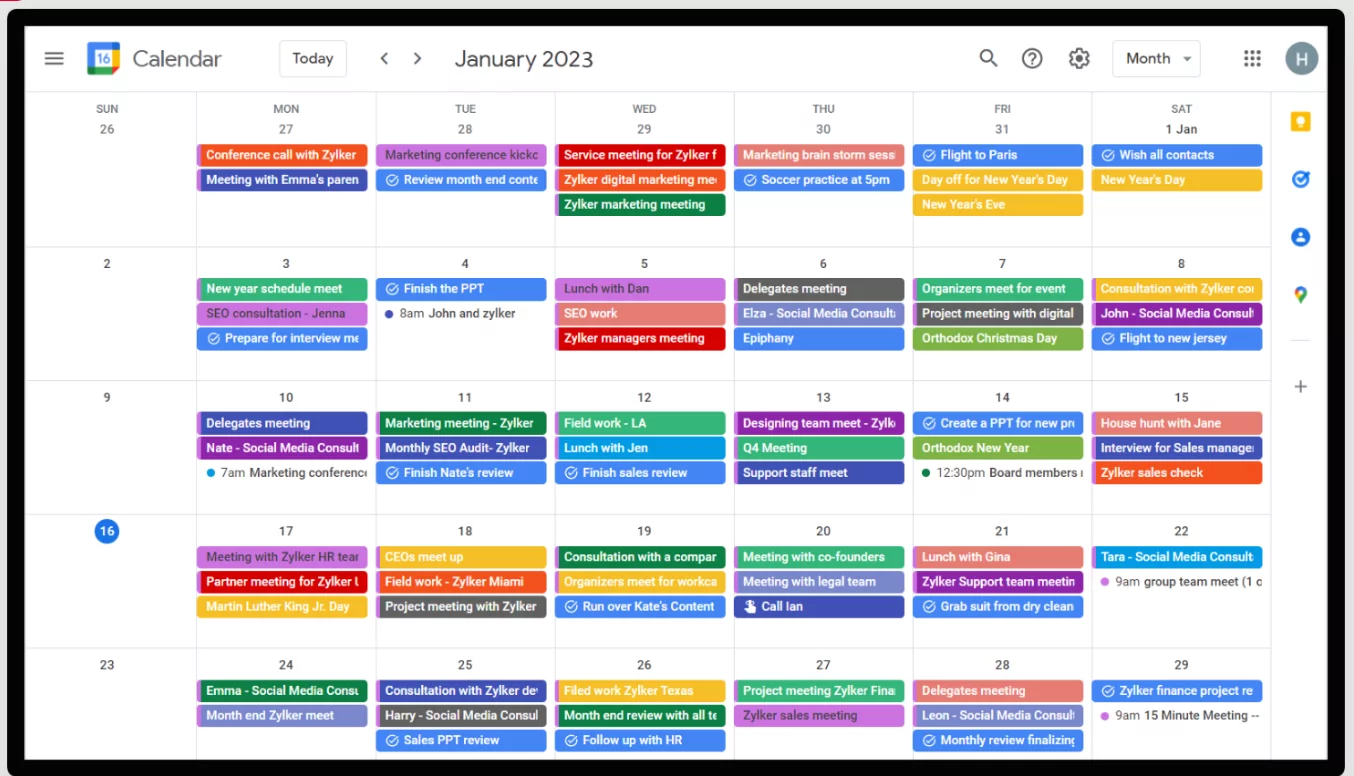
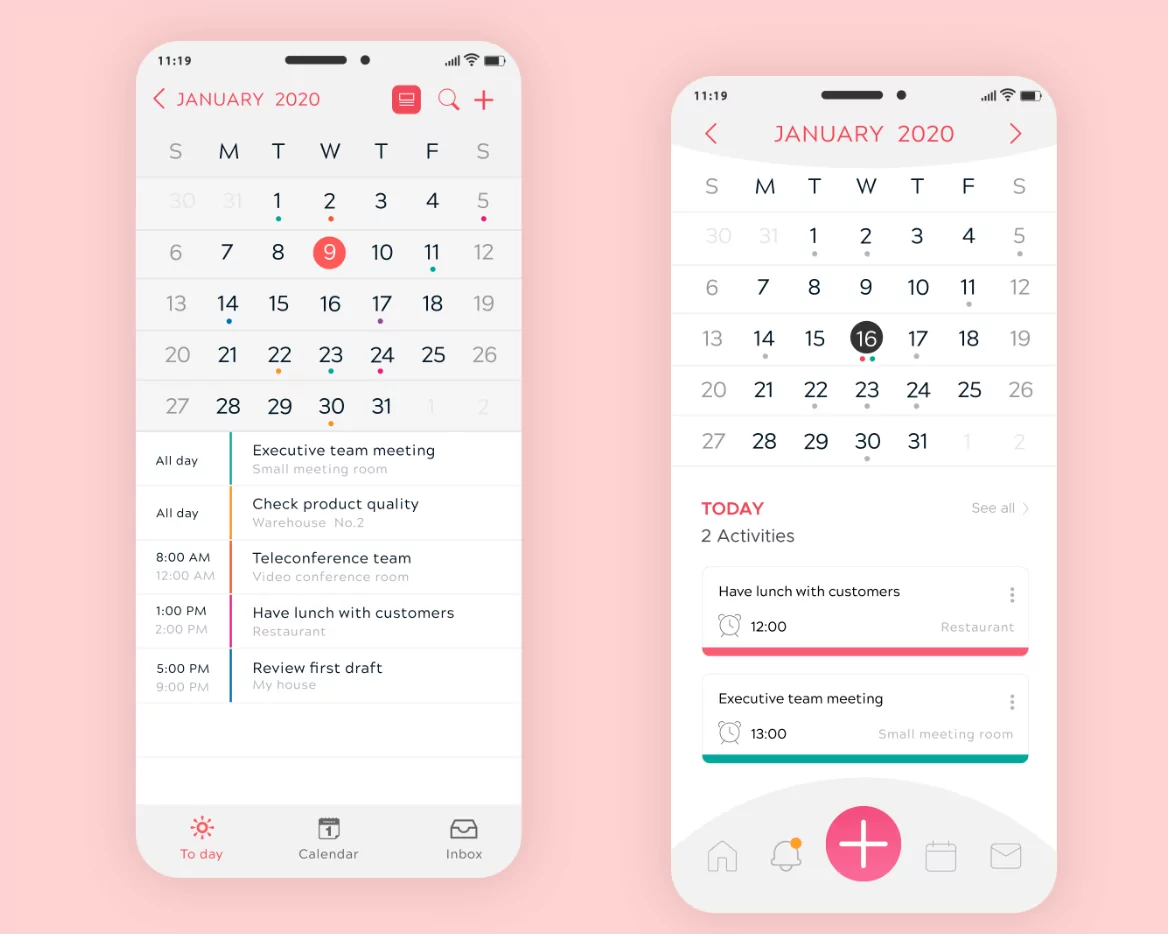
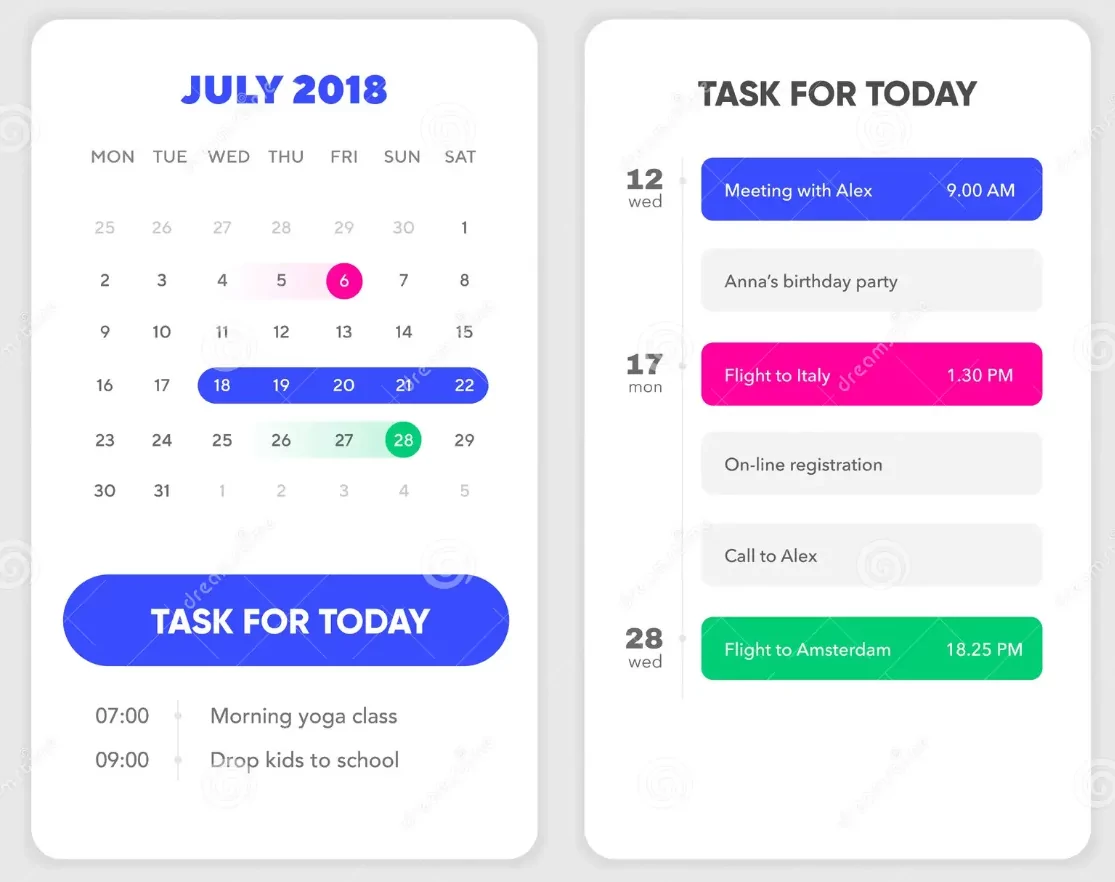
Digital calendar applications have evolved from simple scheduling tools into comprehensive productivity ecosystems integrating task management, goal tracking, team collaboration, and intelligent scheduling assistance. The Best Digital Calendar Apps for Productivity in 2025 combine sophisticated features with intuitive interfaces, enabling professionals, teams, and individuals to maximize efficiency and achieve ambitious goals. This ultimate guide evaluates leading calendar applications across multiple criteria, helping users select the ideal solution for their specific productivity needs.
Why Digital Calendar Apps Matter for Productivity
- Real-time synchronization: Changes instantly reflect across all devices ensuring current information everywhere
- Intelligent scheduling: AI-powered algorithms suggest optimal meeting times and prevent double-booking
- Seamless integration: Connect with email, task management, communication, and project tools
- Collaboration capabilities: Enable team coordination without switching between applications
- Advanced notifications: Customizable reminders prevent missed deadlines and commitments
- Analytics and insights: Track time allocation and identify productivity patterns
Top 10 Digital Calendar Apps for 2025
1. Google Calendar
Overall Rating: 9/10
Best For: Google Workspace users, teams requiring seamless email-to-calendar integration, cross-platform accessibility
Key Features
- Unlimited calendar sharing and collaboration
- Native Gmail integration with automatic event extraction
- Google Meet video conferencing integration
- Smart suggestions for meeting times
- Multiple calendar overlay with color-coding
- Task management integration with Google Tasks
- Offline access to calendars
Pricing
- Free tier: Basic calendar with limited features
- Google Workspace: $6-18/month depending on plan
Strengths
- Excellent email integration
- Strong collaboration features
- Cross-platform availability
- Reliable synchronization
- Free version highly functional
Weaknesses
- Limited advanced scheduling features
- Minimal customization options
- Less powerful than specialized scheduling tools
2. Microsoft Outlook Calendar
Overall Rating: 8.5/10
Best For: Microsoft 365 users, enterprise environments, complex organizational needs
Key Features
- Deep Exchange Server integration
- Advanced delegate and proxy permissions
- Resource mailbox support for room booking
- Microsoft Teams meeting integration
- Sophisticated permission management
- Calendar analytics and insights
- Mobile app with full functionality
Pricing
- Microsoft 365 subscription: $6-22/month
- Outlook web version: Free with Microsoft account
Strengths
- Enterprise-grade security
- Advanced permission management
- Excellent team collaboration
- Strong organizational features
Weaknesses
- Steeper learning curve for non-Microsoft users
- Requires Microsoft 365 for full features
- Less intuitive than Google Calendar for casual users
3. Reclaim.ai
Overall Rating: 9.5/10
Best For: Professionals seeking AI-powered scheduling optimization, focus time protection, productivity maximization
Key Features
- AI-powered meeting scheduling assistant
- Automatic focus time blocking
- Smart meeting time suggestions
- Pomodoro timer integration
- Multi-calendar synchronization
- Habit tracking and goal alignment
- Team scheduling coordination
- Advanced analytics
Pricing
- Free tier: Basic features
- Pro: $10/month for advanced AI features
- Teams: $20-50/month depending on size
Strengths
- Sophisticated AI learning algorithms
- Excellent focus time protection
- Seamless multi-calendar integration
- Strong team features
- Habit tracking integration
Weaknesses
- Premium pricing for full features
- Steep learning curve for advanced settings
- Limited customization beyond AI suggestions
4. Calendly
Overall Rating: 8/10
Best For: Service providers, consultants, client-facing professionals, appointment scheduling
Key Features
- Automated scheduling links eliminating back-and-forth emails
- Client self-booking reducing administrative work
- Calendar synchronization across platforms
- Timezone-aware scheduling
- Payment processing integration
- Email reminders and confirmations
- Group scheduling options
Pricing
- Free tier: Basic scheduling
- Standard: $10/month
- Premium: $20/month for advanced features
Strengths
- Excellent for client scheduling
- Minimal learning curve
- Reduces scheduling email burden
- Affordable pricing
Weaknesses
- Primarily external scheduling focused
- Limited internal team features
- Cannot fully replace comprehensive calendar management
5. Fantastical for Apple Users
Overall Rating: 8.5/10
Best For: Apple ecosystem users (Mac, iOS, iPadOS), natural language input preference
Key Features
- Natural language event creation (“Coffee tomorrow at 2pm”)
- Task and calendar integration
- Multiple calendar overlay
- Rich notification system
- iCloud synchronization
- Sophisticated search and filtering
- Split-view functionality on iPad
Pricing
- Subscription: $4.99/month or $49.99/year
- macOS, iOS, and iPadOS support
Strengths
- Exceptional Apple ecosystem integration
- Natural language processing quality
- Intuitive user interface
- Affordable annual pricing
- Task-calendar integration
Weaknesses
- Limited to Apple devices
- Smaller ecosystem than Google/Outlook
- Less powerful AI than specialized assistants
6. Asana Calendar View
Overall Rating: 8/10
Best For: Project-based teams, organizations using Asana for project management
Key Features
- Calendar view of project tasks and deadlines
- Timeline visualization
- Team workload balancing
- Dependency tracking
- Milestone highlighting
- Custom field integration
- Team collaboration features
Pricing
- Free tier: Limited features
- Premium: $11/month per user
- Business: $30/month per user
Strengths
- Excellent for project timelines
- Visual workload management
- Task-calendar integration
- Team collaboration features
Weaknesses
- Not standalone calendar app
- Pricing higher than dedicated calendars
- Requires full Asana adoption
7. Monday.com
Overall Rating: 8/10
Best For: Creative and marketing teams, visual planning preference, customizable workflows
Key Features
- Visual timeline and calendar views
- Customizable project layouts
- Workload management tools
- Real-time team collaboration
- Extensive automation options
- Client portal features
- Integration ecosystem
Pricing
- Free tier: Limited features
- Basic: $9/month per user
- Standard: $19/month per user
- Pro: $39/month per user
Strengths
- Visually intuitive interface
- Flexible customization
- Strong team features
- Good integration options
Weaknesses
- More expensive than dedicated calendars
- Steeper learning curve
- Overkill for simple scheduling
8. Apple Calendar (Native iOS/macOS)
Overall Rating: 7.5/10
Best For: Apple users seeking native integration with minimal learning curve
Key Features
- Deep iOS and macOS integration
- Siri voice control
- iCloud synchronization
- Shared calendar support
- Event invitation handling
- Location integration with Maps
- Simple, clean interface
Pricing
- Free (included with iOS/macOS)
Strengths
- Free native app
- Seamless Apple integration
- Minimal learning curve
- Reliable synchronization
Weaknesses
- Limited scheduling intelligence
- Basic collaboration features
- Less powerful than third-party options
- Apple-only ecosystem
9. Notion Calendar
Overall Rating: 7.5/10
Best For: Notion users, all-in-one workspace seekers, highly customizable systems
Key Features
- Database-calendar integration
- Fully customizable layouts
- Task and calendar unification
- Template creation
- Collaborative workspace
- Rich multimedia support
- Integration with external data
Pricing
- Free tier: Limited features
- Plus: $10/month
- Business: $20/month
Strengths
- Unlimited customization
- All-in-one workspace
- Flexible database approach
- Creative potential
Weaknesses
- Steep learning curve
- Requires significant setup
- Performance issues with large databases
- Not dedicated calendar app
10. Teamup Calendar
Overall Rating: 8/10
Best For: Teams valuing simplicity, small to medium groups, affordable collaboration
Key Features
- Unlimited calendars and team members
- Simple permission management
- Color-coded organization
- Subcalendar support
- Mobile app with offline access
- Event filtering and views
- Affordable pricing
Pricing
- Free tier: Basic features
- Premium: $5/month per calendar
Strengths
- Simplicity and ease of use
- Unlimited team members on free tier
- Affordable premium pricing
- Mobile app quality
Weaknesses
- Limited advanced features
- Minimal AI or intelligent features
- Smaller ecosystem than competitors

Comparison Table: Best Calendar Apps 2025
| App | Best For | Pricing | AI Features | Collaboration | Rating |
|---|---|---|---|---|---|
| Google Calendar | Teams, Workspace users | Free/$6-18/mo | Moderate | Excellent | 9/10 |
| Reclaim.ai | Productivity seekers | Free/$10-50/mo | Advanced | Good | 9.5/10 |
| Outlook Calendar | Enterprise, Microsoft users | $6-22/mo | Moderate | Excellent | 8.5/10 |
| Fantastical | Apple users | $4.99/mo or $49.99/yr | Moderate | Good | 8.5/10 |
| Calendly | Client scheduling | Free/$10-20/mo | Minimal | Moderate | 8/10 |
| Asana Calendar | Project teams | $11-30/mo per user | Minimal | Excellent | 8/10 |
| Monday.com | Creative teams | $9-39/mo per user | Moderate | Excellent | 8/10 |
| Teamup | Simple teams | Free/$5/mo | Minimal | Good | 8/10 |
Selecting the Right Calendar App for Your Needs
For Individual Professionals
Recommendation: Reclaim.ai for advanced productivity focus; Google Calendar for simplicity
Individual professionals benefit most from AI-powered scheduling optimization and focus time protection. Reclaim.ai’s intelligent algorithms learn preferences and automatically block deep work periods, while Google Calendar’s simplicity suits those wanting straightforward scheduling.
For Teams and Organizations
Recommendation: Google Calendar for collaborative environments; Microsoft Outlook for enterprises
Teams require robust collaboration features, permission management, and seamless integration with communication tools. Google Calendar excels for mid-size teams; Outlook dominates enterprise environments with advanced security and organizational controls.
For Project-Based Organizations
Recommendation: Asana or Monday.com calendar views
Project-focused organizations benefit from calendar views integrated with task management, timeline visualization, and workload balancing. Asana and Monday.com provide these features alongside comprehensive project management tools.
For Service-Based Professionals
Recommendation: Calendly combined with Google Calendar or Outlook
Service providers benefit from Calendly’s automated client scheduling eliminating email coordination, paired with a comprehensive calendar for internal scheduling and organization.
Best Practices for Calendar App Productivity
- Integrate email with calendar for automatic event extraction
- Enable notifications for timely reminders without overwhelming alerts
- Use color-coding consistently for quick visual scanning
- Block focus time automatically to protect deep work periods
- Review calendar weekly to adjust priorities and scheduling
- Share calendars appropriately for team coordination
- Leverage automation features to reduce manual scheduling
Conclusion
The best digital calendar app for productivity in 2025 depends on individual needs, team structure, and existing technology ecosystem. Reclaim.ai leads for AI-powered productivity optimization; Google Calendar dominates for collaborative teams; Microsoft Outlook excels in enterprise settings; Calendly specializes in client scheduling; and Apple Calendar serves users seeking native integration. By understanding each platform’s strengths, assessing specific requirements, and implementing best practices, users can transform their calendar applications from simple scheduling tools into powerful productivity systems driving meaningful progress toward goals and enabling seamless team coordination throughout 2025.