Using a weekly calendar for planning is a powerful way to boost productivity, manage your time effectively, and maintain balanced workflows. With busy schedules and shifting priorities, structured weekly planning enables focused work, reduces overwhelm, and ensures that important tasks are given appropriate attention throughout the week. In this 2025 guide, learn practical tips and techniques for optimizing your weekly calendar to maximize productivity and work-life harmony.
Why Weekly Planning Matters
Weekly planning acts as a roadmap for your workweek, breaking down large projects into actionable tasks, setting priorities, and scheduling time blocks for focused work. Research indicates that those who plan their weeks are almost three times more likely to reach their goals while experiencing less stress and burnout. A weekly calendar helps you visualize commitments clearly, delegate effectively, and adapt flexibly when unexpected tasks arise.
Unlike daily to-do lists that can feel fleeting and overwhelming, weekly calendars provide a medium-range perspective, allowing you to align your daily actions with larger goals. This alignment enhances motivation and reduces decision fatigue, making it easier to start each day knowing exactly what matters most.

Setting Up Your Weekly Calendar
Begin your week by reviewing your commitments, deadlines, and appointments. Use a digital calendar or printable planner suited to your style. Google Calendar, Microsoft Outlook, Notion, and paper planners offer excellent weekly views.
List the key deliverables and recurring tasks, identify urgent deadlines, and block off time for meetings and administrative work. Prioritize high-impact activities first and schedule peripheral tasks around available slots. Start planning on Sunday evening or Monday morning for best results.
Time Blocking for Focus
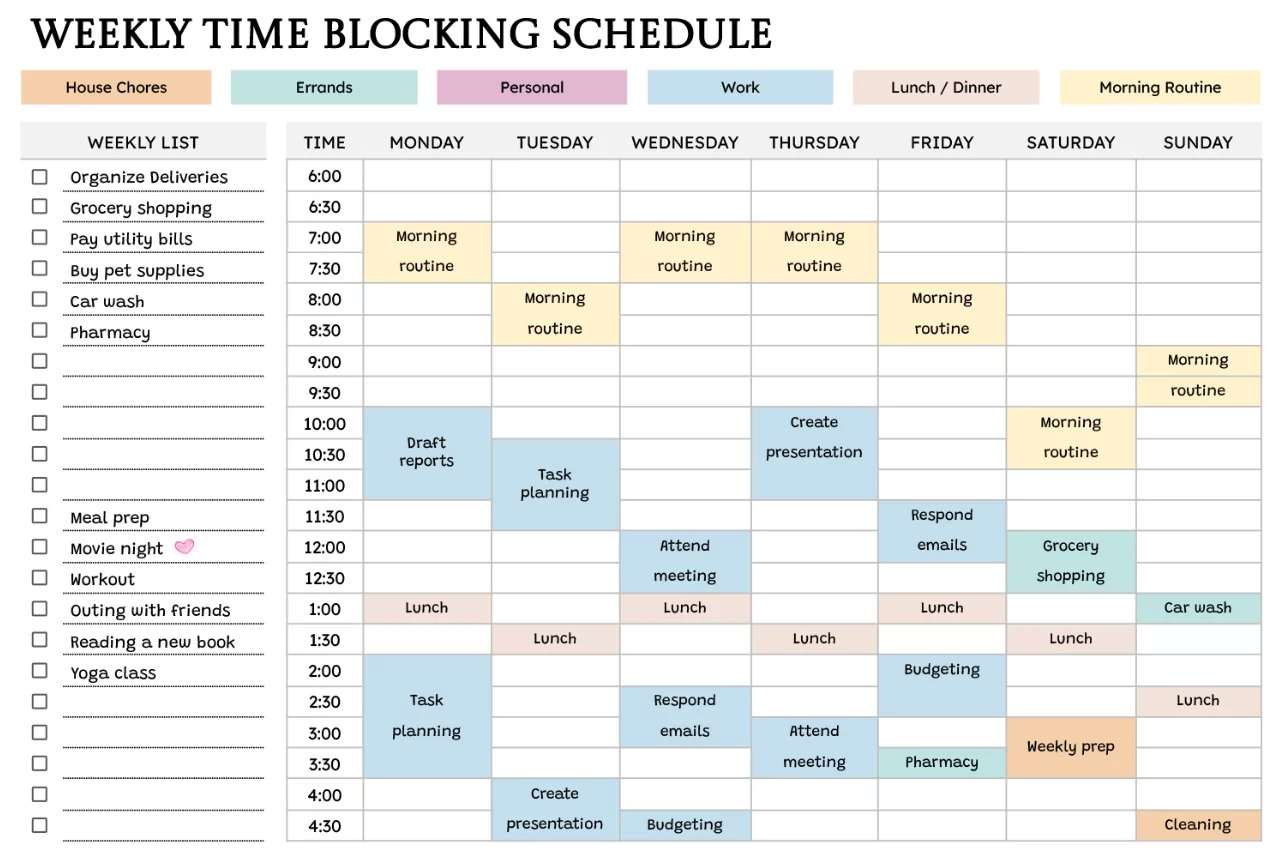
Time blocking involves dedicating specific periods to particular tasks or categories of work to minimize multitasking and distractions. For example, batch schedule emails for 9-10 AM, client calls for 11 AM-12 PM, focused project work for afternoons, and administrative catch-up time late in the day.
Use calendar labels or colors to differentiate types of blocks like “Deep Work”, “Meetings”, “Breaks”, and “Admin”. Avoid scheduling back-to-back meetings and include buffer times for transition and unexpected delays.
Task Prioritization Techniques
Apply the Eisenhower Matrix to categorize weekly tasks into four quadrants: Urgent & Important, Important not Urgent, Urgent not Important, and Neither. Focus calendar blocks primarily on Urgent and Important tasks, delegating or deferring others.
Rank weekly goals numerically and ensure the calendar reflects time allocation according to these priorities. Regularly update your calendar as tasks get completed or shifted. This dynamic approach prevents task stagnation and promotes flow.
Balancing Work and Breaks
Productivity peaks when balanced with adequate breaks. Schedule short breaks every 60-90 minutes and longer breaks for meals or movement. Use prompts like Pomodoro Timer techniques integrated with calendar reminders.
Include self-care blocks for exercise, meditation, or hobbies to recharge mental and physical energy. Treat these as non-negotiable calendar appointments to maintain healthy boundaries.
Leveraging Technology for Weekly Planning
Modern calendar apps offer features like recurring events, task integration, notifications, and analytics. Utilize these to automate scheduling of routine activities. Sync calendars across devices for on-the-go access and real-time updates.
Apps like Asana or Trello complement calendars by linking task deadlines with scheduled focus times. Leverage AI-based scheduling assistants in Google Calendar or Microsoft Outlook to optimize time allocations and suggest meeting times.
Reflecting and Adjusting Weekly Plans
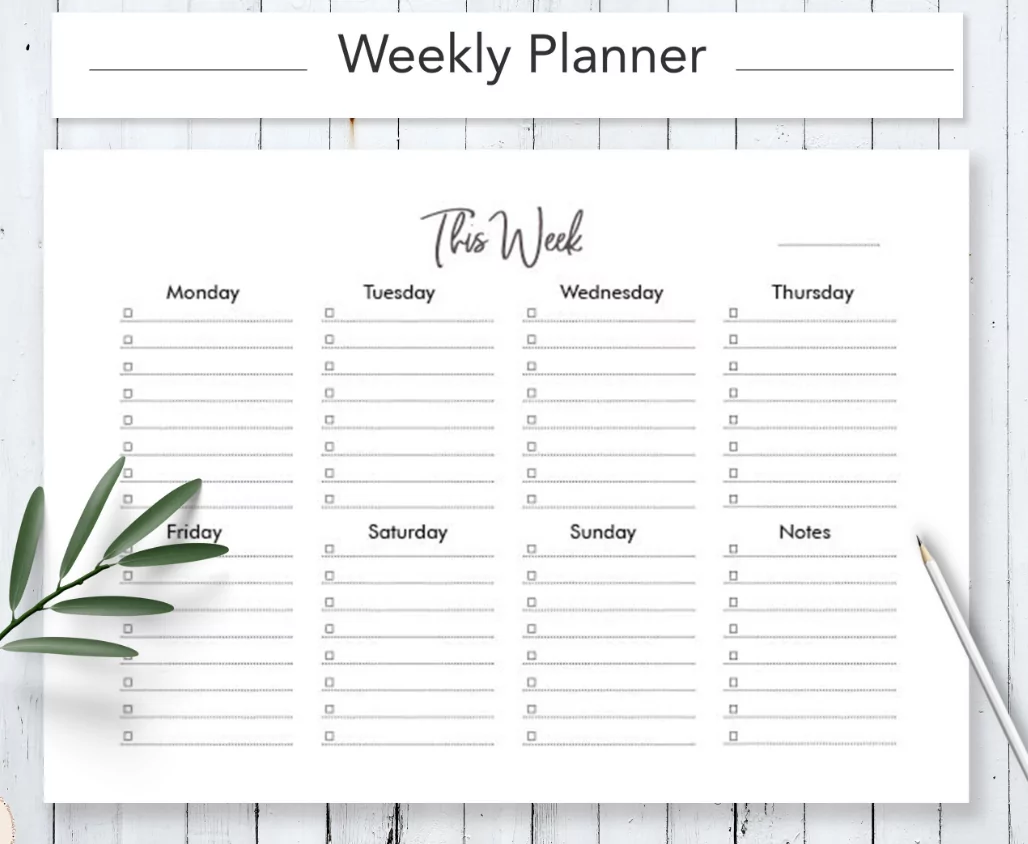
At the end of each week, take 10-15 minutes to review accomplishments, pending tasks, and blockers. Adjust the upcoming week’s calendar accordingly by shifting unfinished priorities or reallocating time.
Use journaling or note-taking features tied to calendar events to document insights, enhancing continuous improvement and self-awareness. Regular reflection reduces recurrence of time management pitfalls and improves planning accuracy.
Weekly Planning Checklist
- Review last week’s successes and challenges
- Set 3-5 key goals for upcoming week
- Allocate time blocks aligned with energy levels
- Plan breaks and personal time explicitly
- Confirm appointments and deadlines
- Prepare materials and pre-work for meetings
Tips for Staying Consistent
Establish a weekly planning routine by blocking Sunday afternoons or Monday mornings as planning sessions. Keep your calendar prominently displayed physically or digitally to maintain awareness. Avoid overloading your week—prioritize quality over quantity of scheduled work.
Use reminders strategically without overwhelming notifications. Celebrate small wins by marking completed tasks or milestones. Consider accountability partners or co-working sessions synchronized with your weekly calendar.
Overcoming Common Weekly Planning Challenges
Procrastination: Break projects into small, manageable chunks scheduled into calendar blocks to reduce overwhelm.
Last-minute tasks: Reserve flexible buffer times or “catch-up” blocks to accommodate unexpected priorities.
Meeting overload: Limit meetings to core hours or rotate “no-meeting” days. Batch calls into focused blocks.
Distractions: Use focus modes on devices aligned with calendar blocks. Communicate availability to colleagues.
Weekly calendar planning is an essential productivity tool transforming scattered tasks into organized, actionable, and balanced schedules. By setting priorities, applying time blocking, and reflecting regularly, you can maximize your focus and achieve meaningful progress each week. Incorporate technology effectively, maintain consistency, and adjust flexibly to life’s demands for sustainable, high-level productivity in 2025.


