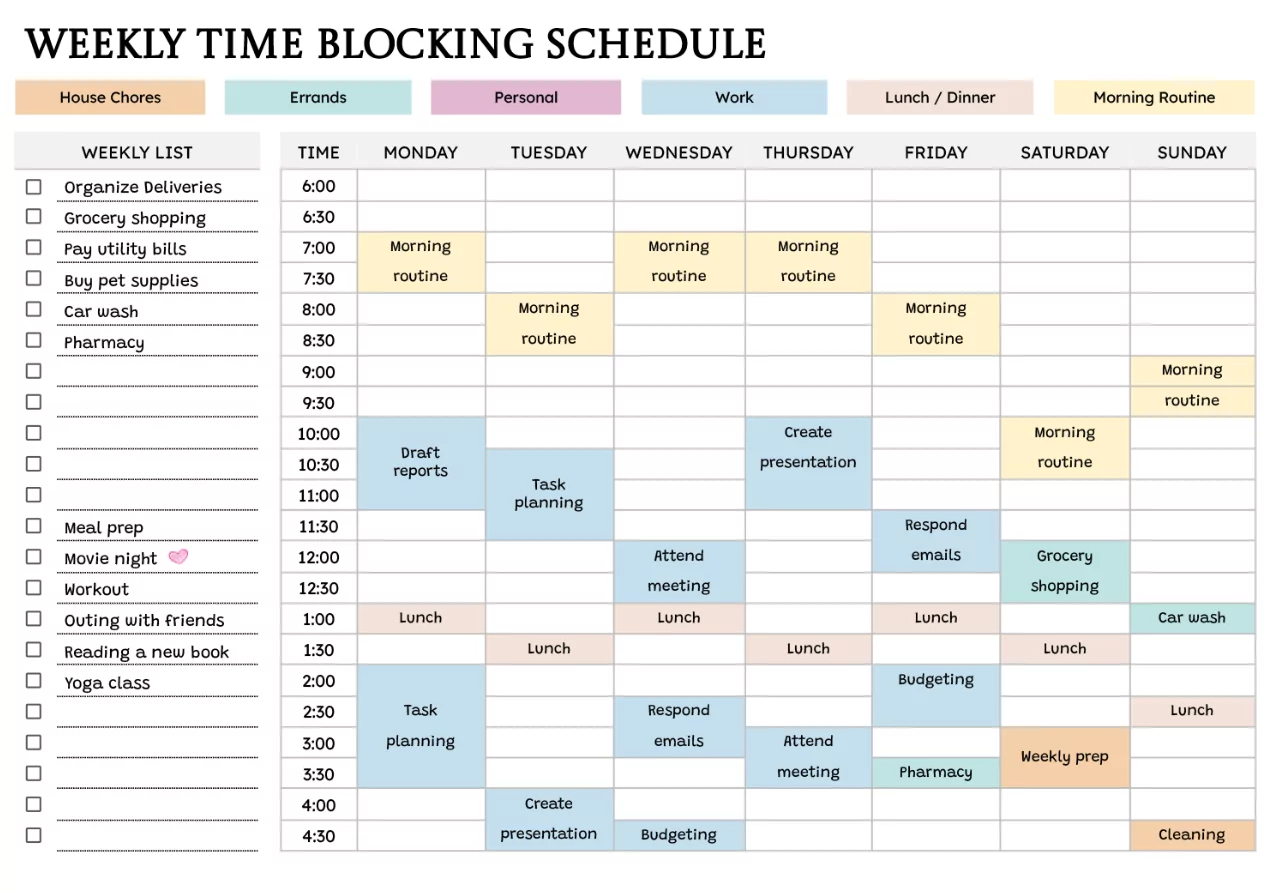
Weekly calendar planning is one of the simplest ways to gain control of your time without overcomplicating your system. This complete guide shows how to plan a week that’s realistic, flexible, and aligned with your priorities—whether you use a paper planner, a digital calendar, or both.
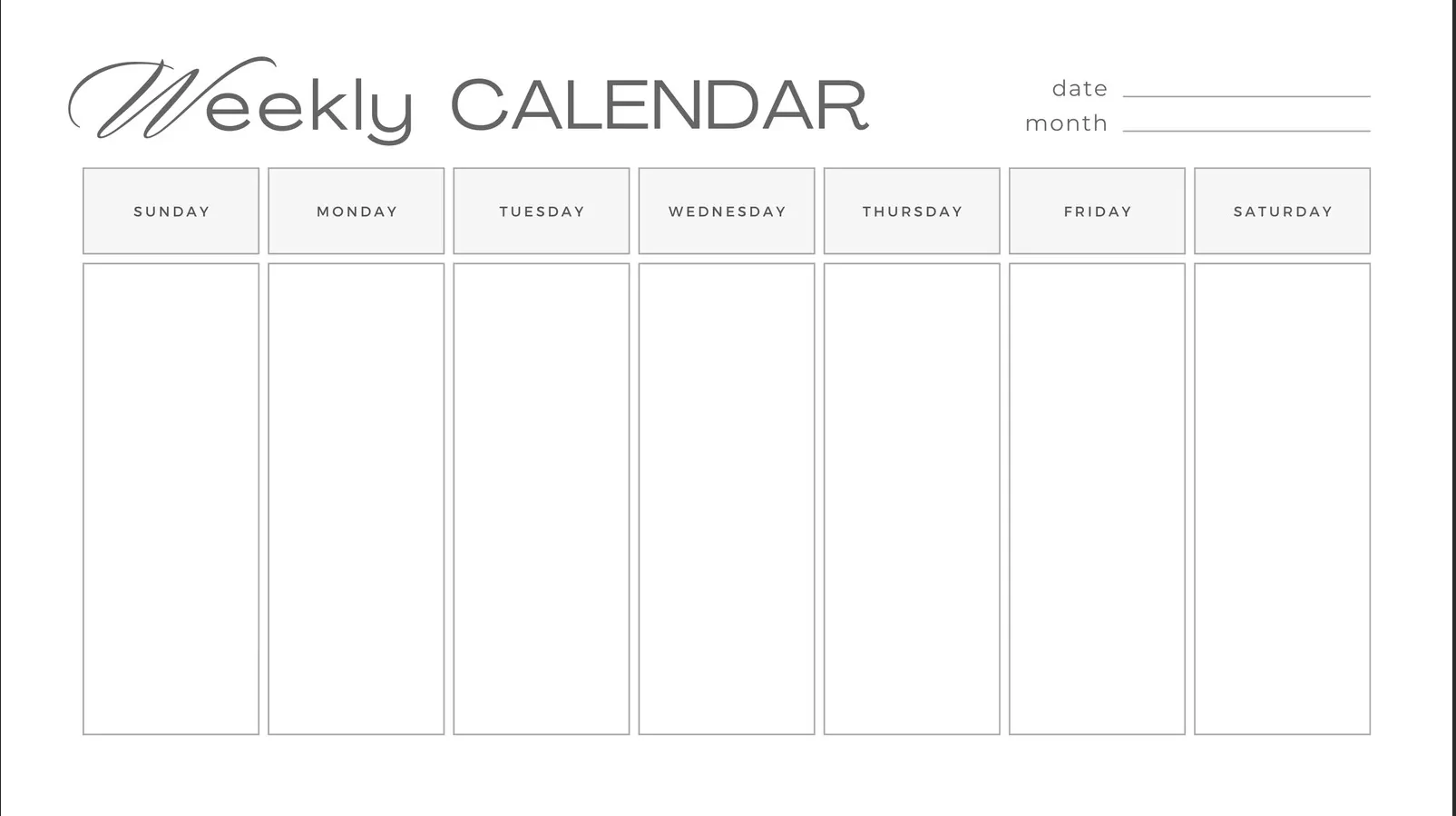
Why Weekly Planning Works
A weekly view is the “sweet spot” between daily details and long-term goals. It helps you see workload distribution, avoid overbooking, and reserve time for deep work and recovery.
- Clarity: You know what must happen this week and what can wait.
- Balance: You can spot overloaded days before they happen.
- Consistency: Repeating routines become easier to maintain.
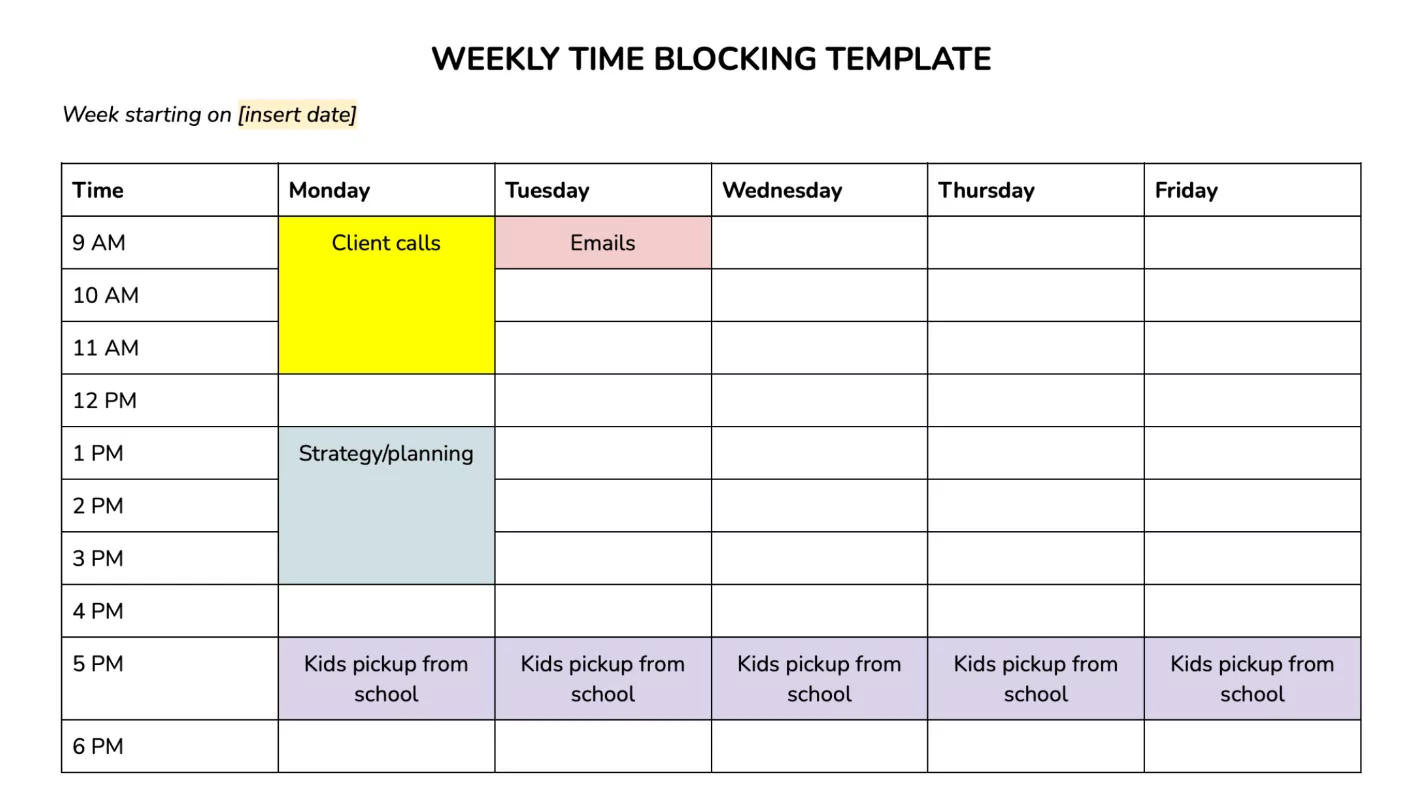
Set Up Your Weekly Planning System
You don’t need a perfect tool—just a consistent structure. Choose one primary calendar for “time-specific” commitments and one place for task lists (they can be the same tool if it supports both).
- Calendar = time: Meetings, classes, appointments, workouts, school pickup.
- Task list = outcomes: What you want to complete, not when it happens.
- Notes = support: Ideas, references, and running lists.
The Weekly Planning Method (Step-by-Step)
Step 1: Review the week ahead
Scan upcoming events, deadlines, and personal obligations. If you have multiple calendars (work, personal, family), merge them into one weekly view so you plan with the full picture.
Step 2: Pick 1–3 weekly priorities
Define what would make the week successful. Keep it small: too many “priorities” turns into a list of wishes, not a plan.
- Example priorities: Finish a report, prepare for an exam, launch a campaign.
Step 3: Time-block the important work first
Schedule your most valuable tasks when your energy is highest. Protect these blocks like appointments—because they are.
- Deep work blocks: 60–120 minutes with notifications off.
- Admin blocks: 30–60 minutes for email, approvals, quick tasks.
- Personal blocks: Exercise, errands, family time, rest.
Step 4: Add buffers and “catch-up” time
A productive week is not packed edge-to-edge. Add space for delays, follow-ups, and surprises so you don’t lose the whole plan when one thing runs long.
- Daily buffer: 15–30 minutes between key commitments.
- Weekly catch-up block: 60–90 minutes to close loose ends.
Step 5: Assign tasks to days (lightly)
Instead of scheduling every task to an exact hour, assign task groups to specific days. This keeps your plan flexible while still guiding daily focus.
- Monday: Planning + hardest task
- Midweek: Production + meetings
- Friday: Wrap-up + next-week setup
Weekly Calendar Templates (Choose One)
Template A: The “Time-Block Week”
Best for structured schedules and heavy project work.
- Block recurring commitments first (work hours, classes).
- Add 3–5 deep work blocks across the week.
- Place admin blocks near meeting-heavy days.
Template B: The “Theme Days” Week
Best for creators, entrepreneurs, and roles with many task types.
- Monday: Plan + prioritize
- Tuesday: Create/produce
- Wednesday: Meetings/collaboration
- Thursday: Deep work + delivery
- Friday: Review + maintenance
Template C: The “School + Study” Week
Best for students balancing classes, assignments, and revision.
- Schedule classes first, then add study blocks by subject.
- Plan backward from due dates and quizzes.
- Reserve a weekly review block to update tasks and notes.

Tips to Maximize Productivity (Without Burnout)
- Plan with energy, not just time: Put demanding work in your peak hours.
- Use a “done list”: Track completed wins to stay motivated.
- Batch similar tasks: Calls together, writing together, errands together.
- Limit daily priorities: Aim for 1 major task + 2–4 supporting tasks.
- Keep meetings contained: Group them on 2–3 days when possible.
- Protect your first hour: Start with focus work, not inbox scrolling.
Common Weekly Planning Mistakes
- Over-scheduling: A calendar with no breathing room will break fast.
- Confusing tasks with appointments: Not every task needs a fixed hour.
- Ignoring transitions: Commuting, prep, and recovery take time.
- No review habit: Plans fail when they aren’t updated midweek.
Weekly Review Routine (15 Minutes)
Do this once per week (Sunday evening or Monday morning) to keep your system reliable.
- Clear your inbox/task capture list.
- Check deadlines and meetings for the next 7–10 days.
- Choose your 1–3 weekly priorities.
- Time-block deep work and add buffers.
- Decide what to stop, delegate, or defer.
FAQ: Weekly Calendar Planning
Should I plan on Sunday or Monday?
Pick the time you can repeat consistently. Sunday works well for personal/family planning, while Monday morning fits work-focused planning.
How detailed should my weekly plan be?
Schedule fixed commitments and deep work blocks, then keep the rest flexible with day-based task groups. More detail is not always better—clarity is.
What if my week changes constantly?
Use bigger buffers, shorten planning cycles (plan 3–4 days ahead), and keep a strong “next actions” list so you can re-slot tasks quickly.