Monthly calendar templates are essential planning tools for individuals, families, and businesses seeking to organize time, track deadlines, and coordinate schedules throughout 2025. Free printable monthly calendar designs offer flexibility, customization options, and accessibility without requiring software expertise or financial investment. This ultimate guide explores the best sources for 2025 monthly calendar templates, design variations, customization strategies, and implementation tips for maximizing productivity.

Why Monthly Calendar Templates Matter
- Visual organization: Monthly grids provide clear visual representation of time distribution and scheduling
- Planning flexibility: Different template designs suit various planning styles and needs
- Cost-effective: Free templates eliminate software expenses while delivering professional quality
- Accessibility: Printable formats work for users without digital calendar access or preferences
- Customization: Templates serve as starting points for personalized planning systems
Types of 2025 Monthly Calendar Templates
1. Traditional Grid Layout
Best For: Classic scheduling and general planning
- Standard seven-column format (Sunday-Saturday)
- Day numbers in grid cells
- Ample space for handwritten notes
- Week numbers often included on left margin
- Holidays highlighted
2. Minimalist Design
Best For: Clean, uncluttered aesthetic; reduced visual overwhelm
- Whitespace-heavy layouts
- Simple black and white color schemes
- Essential information only (dates, day names)
- Ink-efficient for printing
- Focus on clarity over decoration
3. Detailed Planning Layout
Best For: Comprehensive planning; multiple categories and priorities
- Larger day cells for extensive notes
- Sections for goals, priorities, and focus areas
- Color-coding guides
- Habit tracking integration
- Monthly overview summaries
4. Goal-Oriented Template
Best For: Progress tracking toward monthly objectives
- Monthly goal statement at top
- Milestone tracking sections
- Progress indicators per week
- Success measurement fields
- Reflection and adjustment prompts
5. Bullet Journal Style
Best For: Creative organization and artistic expression
- Blank or dotted grid backgrounds
- Flexible layout enabling custom design
- Symbol and icon integration
- Color illustration space
- Highly customizable per user preference
6. Family Calendar Layout
Best For: Household coordination and multi-person scheduling
- Multiple rows per day for family members
- Color-coded family member rows
- Shared event section
- Meal planning integration
- Chore and responsibility tracking
7. Business/Work Calendar
Best For: Professional scheduling and project tracking
- Time-blocking sections (hourly)
- Project and client tracking fields
- Meeting and deadline highlights
- Resource allocation tracking
- Team coordination sections
8. Habit Tracker Calendar
Best For: Habit building and behavioral tracking
- Daily habit checkboxes per calendar cell
- Multiple habit rows
- Streak counting fields
- Habit success percentage calculations
- Monthly habit summary
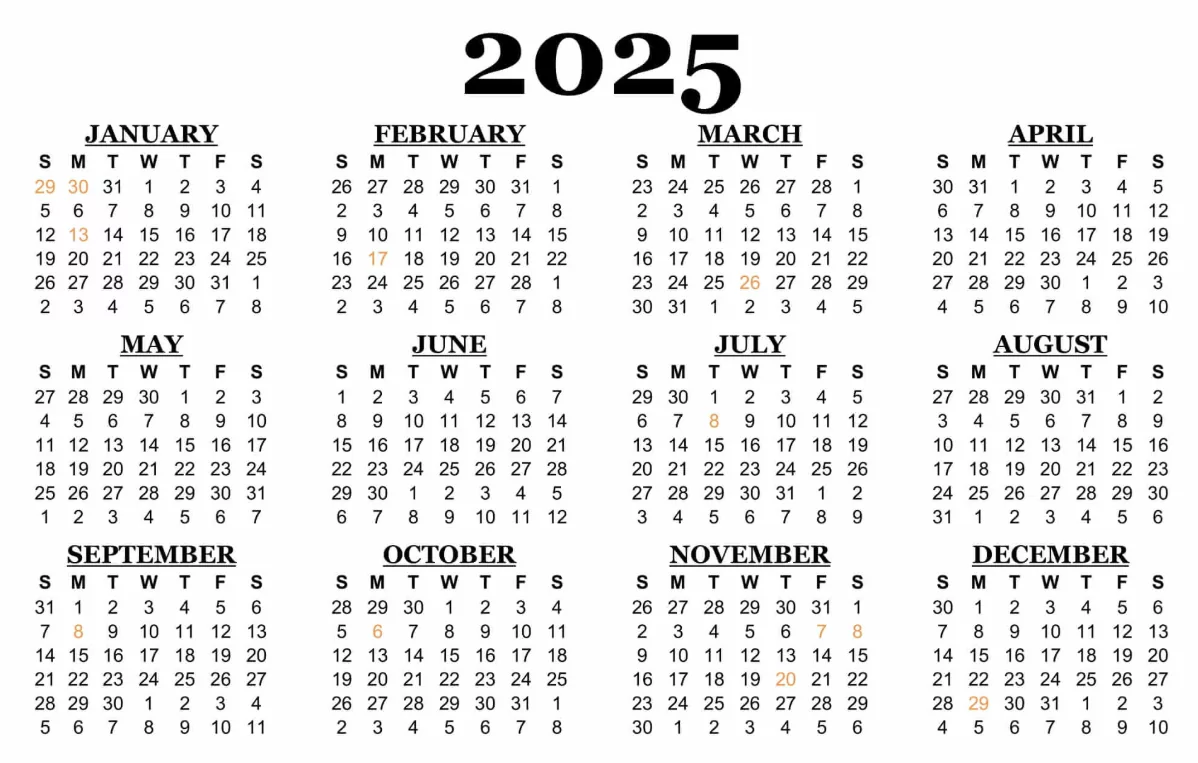
Best Sources for Free 2025 Monthly Calendar Templates
1. Calendarpedia.com
Strengths: Extensive template variety, multiple file formats, clean professional designs
- 20+ different monthly calendar styles
- Portrait and landscape orientations
- Downloadable in PDF, Excel, Word formats
- Holiday highlights for multiple countries
- High-quality print-ready designs
2. Vertex42.com
Strengths: Excel templates with built-in functionality, formula-based calculations
- Editable Excel templates
- Customizable colors and fonts
- Professional business calendar options
- US holiday integration
- Large print versions for accessibility
3. Canva.com
Strengths: Visually stunning, highly customizable, modern designs
- 100+ designer-created calendar templates
- Customizable text, colors, images
- Modern aesthetic options
- Download as PDF or image formats
- Personal and business designs
4. Pinterest & Creative Blogs
Strengths: Artistic and unique designs, lifestyle-specific templates
- Bullet journal calendar designs
- Themed calendars (minimalist, colorful, artistic)
- Planner-specific layouts
- User-created original designs
- Often linked to printable PDFs
5. Google Drive & Microsoft Office Templates
Strengths: Seamless integration with productivity software, cloud access
- Google Docs calendar templates
- Microsoft Word monthly templates
- Auto-saved cloud versions
- Shareable for collaborative planning
- Easy digital editing
6. Printabulls.com
Strengths: Massive template database, categorized options, simple navigation
- 100+ unique 2025 monthly templates
- Categorized by style and purpose
- Free downloads without registration
- High-resolution print quality
- Multiple page layout options
7. Etsy.com (Premium Options)
Strengths: Artist-designed premium templates, unique aesthetic options
- Original designer creations
- Premium quality and customization
- Downloadable digital files
- Niche and specialized designs
- Artist support through purchases
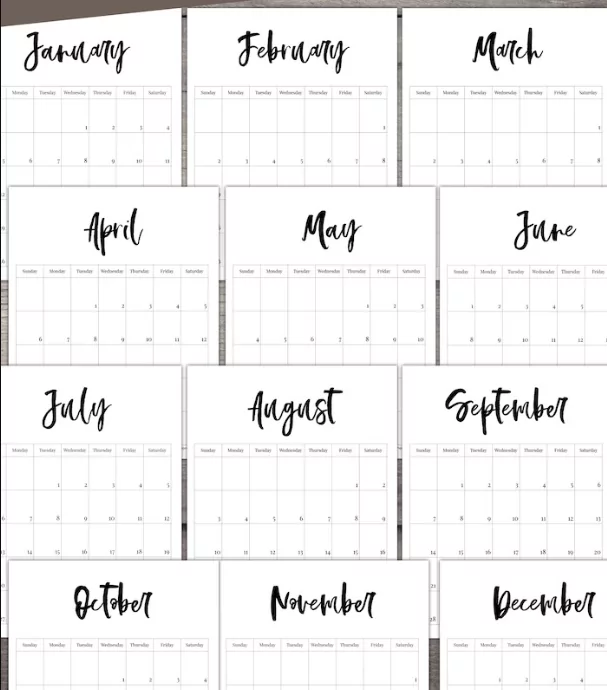
Calendar Template Features to Consider
Layout Considerations
- Orientation: Portrait (8.5×11″) or landscape (11×8.5″)
- Day cell size: Larger cells accommodate more notes; smaller cells save space
- Grid style: Traditional 7-column format or customized layouts
- Week numbering: ISO week numbers or Sunday-based weeks
- Holiday highlighting: Specific country holidays included
Design Elements
- Color scheme: Monochrome, single-accent color, or multi-color
- Typography: Font style impacts readability and aesthetic
- Graphics: Decorative elements, illustrations, or minimal embellishment
- Spacing: Whitespace balance affects usability and visual comfort
- Customization: Ability to modify colors, fonts, and content
Functionality Features
- Goal-tracking sections
- Habit tracker integration
- Note-taking space
- Priority or focus areas
- Monthly summary fields
How to Customize Your Downloaded Template
PDF Customization (Using Free Tools)
- Download template in PDF format
- Use free PDF editor (Canva, Pixlr, or browser-based tools)
- Add text, colors, and images as desired
- Save customized version
- Print or keep digital copy
Excel/Word Customization (Using Office Software)
- Download template in Excel or Word format
- Open in Microsoft Office or Google Docs
- Modify fonts, colors, and cell sizes
- Add personal goals or tracking fields
- Save and print or share digitally
Canva Customization (Best for Design Editing)
- Open Canva template directly in browser
- Edit text, colors, and design elements
- Upload personal images if desired
- Resize elements for emphasis
- Download as PDF or image file
Best Practices for Monthly Calendar Template Use
- Choose template matching your planning style: Minimalist, detailed, visual, or hybrid
- Customize before printing: Personalize templates to your needs and aesthetic preferences
- Print on quality paper: Better paper enhances writing experience and durability
- Create a system: Establish color-coding or symbol scheme for consistency
- Update regularly: Review and update calendar weekly for accuracy and relevance
- Use both digital and printed: Hybrid approach combining digital calendar with printed template
Comparison Table: Top 2025 Calendar Template Sources
| Source | Design Variety | Customization | File Formats | Best Feature |
|---|---|---|---|---|
| Calendarpedia | High | Moderate | PDF, Excel, Word | Professional quality |
| Vertex42 | Moderate | High | Excel, PDF | Formula-based functionality |
| Canva | Very High | Very High | PDF, Image | Modern design aesthetics |
| Printabulls | Very High | Low | Massive template database | |
| Google/Microsoft | Moderate | High | Digital/Printable | Cloud integration |
Downloading and Organizing Your Templates
- Create dedicated folder for calendar templates on computer
- Download templates for all 12 months
- Name files clearly (e.g., “2025-January-Calendar-Minimalist”)
- Print monthly or keep digital copies organized
- Batch print all months quarterly for efficiency
- Store printed calendars in accessible location
Troubleshooting Common Template Issues
- Poor print quality: Download highest resolution version; use quality printer settings
- Formatting issues: Ensure correct file format compatibility with your software
- Missing holidays: Manually add your country’s specific holidays
- Customization limits: Choose template format matching your editing software
- Font issues: If fonts don’t display correctly, use standard fonts (Arial, Calibri)
Conclusion
The 2025 Monthly Calendar Templates ultimate guide provides comprehensive information for selecting, customizing, and implementing the perfect calendar template for your needs. Whether seeking minimalist simplicity, detailed planning layouts, family coordination systems, or artistic bullet journal designs, free printable templates from Calendarpedia, Vertex42, Canva, and other sources offer abundant options without cost. By understanding template varieties, customization strategies, and best practices, users can transform generic templates into personalized planning systems that enhance productivity, organization, and goal achievement throughout 2025. Download your ideal template today and begin the year with a planning system perfectly suited to your unique style and requirements.


